AI & Automation
Support Ops & Teams
Published on
08.06.2026
Last updated on
23.09.2026
Sendbird alternatives in 2026: Best options for customer-facing teams’

Victoria
QC Team Lead

Victoria
QC Team Lead
TL;DR: Most "Sendbird alternatives" articles are written by competing SDK vendors. That’s why we decided to write our own comparison, since, as a support outsourcing partner, we have no stake in that fight. The real question isn't "which tool," but "which problem" do you want it to solve? If you're building user-to-user messaging, look at Stream Chat, CometChat, or TalkJS. If you're running customer support, look at Intercom Fin or EverHelp's Evly AI. Decide which layer you're replacing and who'll be the one running it, then pick the tool.
When looking for Sendbird alternatives, you may find yourself reading through numerous comparisons that sound like a sales pitch. Most of the currently available listicles are written by other software development kit (SDK) providers.
But we don’t sell an SDK. We are a support outsourcing partner that deploys these tools for clients across eCommerce, SaaS, and fintech. We know what our clients usually look for and which solutions they pick. And that’s why we decided to look into the currently available market options that can compete with Sendbird in terms of functionality and pricing.
After all, choosing an SDK is not simply an engineering choice anymore, as it affects resolution speed, handle time, and CSAT. And when live chat conversations already show 87% positive CSATs, higher than almost any other channel, businesses just can’t afford a platform that doesn’t work.
Disclaimer: This article was written by Everhelp, which is one of the providers featured in this comparison. All trademarks and brand names belong to their respective owners and are used for identification purposes only. No affiliation or endorsement is implied with any third-party company listed here unless explicitly stated. Competitor information is based on publicly available sources and is accurate as of September 23, 2026. Providers may update their offerings at any time, so we recommend confirming current details directly with each company before making a decision.
The global AI infrastructure market is projected to reach $104 billion by the end of 2026, and 87% of enterprises report adopting AI in 2026, up from 78% in 2025. Yet, only 1% of organizations qualify as "mature" in AI deployment.
A lot of the time, when organizations start implementing AI, they don’t necessarily dive into the subtle differences between the tools and how those influence performance. The same stands when teams start choosing between chatbots and AI agents. They treat these as two interchangeable solutions when, in reality, they don’t have identical use cases and functionality.
So, let’s first discuss what exactly differentiates a chatbot and an AI agent.
A chat platform like Sendbird, Stream, CometChat, or TalkJS is infrastructure, a technical setup. It provides developers with APIs and SDKs to embed messaging in an app or website, and it's billed based on monthly active users (MAU) plus peak concurrent connections.
Usually, these platforms don’t offer:
Additionally, you need an engineering team to organize the integration and subsequent maintenance.
That's why a chat platform is a good purchase for a product team building user-to-user messaging:
An AI support agent, or full customer service platform, is basically an application. Tools like Intercom Fin, Evly AI, and Zendesk AI exist to:
Pricing for this type of tool is usually per seat or per resolved conversation, so you pay only for what you actually get.
Here, on the contrary to a chat platform, you will find such functions as:
Basically, this is exactly what a customer-facing support team buys when the goal is to improve the resolution rate and the satisfaction score.
{{cta}}
We understand that different teams need different solutions, depending on their unique business offerings and goals. And sometimes, even if you are searching for an SDK, all you need is actually a good AI agent ready to handle complex routing and triage rules.
That’s why we selected these five Sendbird alternatives that cover both types of solutions:
Unfortunately, no tool will cover all your needs, so we will dig into the specific use cases for each option to help you choose the best fit.

Evly AI is the odd one out in this list, and deliberately so. It isn't software you license and run. At EverHelp, we offer Evly as a tool to drive customer support automation and help teams handle their daily ticket queues more efficiently.
Evly AI can be used as a separate model, automating up to 85% of ticket processing actions, including:
However, it can also be deployed as part of our human+AI support model. In this case, it acts as a copilot, assisting human agents with drafting responses and pulling customer information.
What sets Evly apart from other similar agents is the fact that we built it based on our own and our clients’ experiences with support bottlenecks. We considered the issues support teams run into daily, the edge cases that can be automated, and the situations where AI won’t be helpful for either customers or agents. And that’s how we ended
Here are a few other perks of working with Evly as an AI agent:
Evly is the best AI live chat software for customer service if you are:
However, it will be the wrong fit if you're an engineering team building in-app user-to-user messaging, or if you want every byte of customer data infrastructure to be owned in-house.
{{cta-lm}}
Stream is the solution most frequently chosen by developers migrating from Sendbird.
The key reasons include:
Stream Chat is best for:
It's, nevertheless, the wrong tool for a support team that wants AI resolution, agent dashboards, or CSAT tracking, as all Stream offers is infrastructure.
CometChat is a good choice for those looking for a solution that’s simple and quick to integrate.
A few reasons why businesses might opt for CometChat:
What sets it apart:
This solution will be the most beneficial for:
It's a weaker fit for very small teams, since the jump from the free Build tier (100 MAU) to a paid plan is steep, and for pure customer support use cases where a CX platform offers more native value.
TalkJS sits in its own niche. Its primary product is a complete, ready-to-embed chat UI, not just an API.
TalkJS gives teams a working inbox that they can then customize with CSS and HTML. That makes it a good fit for marketplaces, SaaS products adding inbox features, and teams with little or no dedicated frontend bandwidth.
It’s best for:
Skip this solution if you are looking for high-concurrency real-time apps such as gaming or live streaming, or if you are a team that needs native AI resolution or agent tooling.
Intercom’s Fin AI is the right Sendbird alternative for those teams that use Sendbird to power customer support rather than user-to-user messaging.
Basically, Fin AI is the outcome that SDK-based support setups are trying to create manually with tools like Sendbird. It resolves conversations end-to-end at $0.99 per resolution, and you're billed only when an issue is actually resolved. If your team is using Sendbird Chat to power customer support operations (rather than in-app user messaging), Intercom is likely the best replacement to consider.
Fin AI is a good choice for:
However, the tool is not recommended for:
Many comparisons you find online are useful for feature-level decisions, but they don’t usually capture the drawbacks that come with actually running the solution. Most of the time, the key issue is the pricing. And, unfortunately for Sendbird, it seems their pricing model poses a couple of issues for their customers.
Sendbird's Starter plan runs about $399/month, billed annually for 5,000 MAU, with peak concurrent connections capped at a percentage of your MAU limit. The number that bites is the concurrency overage.
Sendbird's own pricing page states only that "overages may apply," with the only information on those fees we could find tracing back to a 2021 Sendbird community forum post. There, a solutions architect stated that the overage charges may be as much as $5 per connection over the Peak Connection limit that comes with the specific plan.
But that’s exactly the problem for most Sendbird users: you can't see the rate before you sign. This means your team will be budgeting support costs in the dark and will probably end up spending more than you’d want to.
Another issue people may have with Sendbird is that it markets "1,000 MAU free," but that's just a 30-day Pro trial. After 30 days, accounts drop to the Developer plan: 100 MAU and 10 peak concurrent connections.
Let’s play that out for a startup situation.
Example: You spend the month building a beta, onboard 800 testers, and things look healthy. Then, on day 31, the trial expires, and 700 of those users lose access overnight. There's no $49 or $99 tier to ease the landing either, so the only way to keep your beta running is to opt for the $399/mo Starter plan. For a product that isn't generating revenue yet, that's a hard cost to take on without warning.
{{cta}}
Sendbird isn't a bad product, and most reviewers say so. But the reasons people leave tend to cluster around the same handful of frustrations, and they show up again and again across reviews on G2, Capterra, Software Advice, and PeerSpot.
This is the big one. Reviewers call it expensive, with features that feel limited for what you pay.
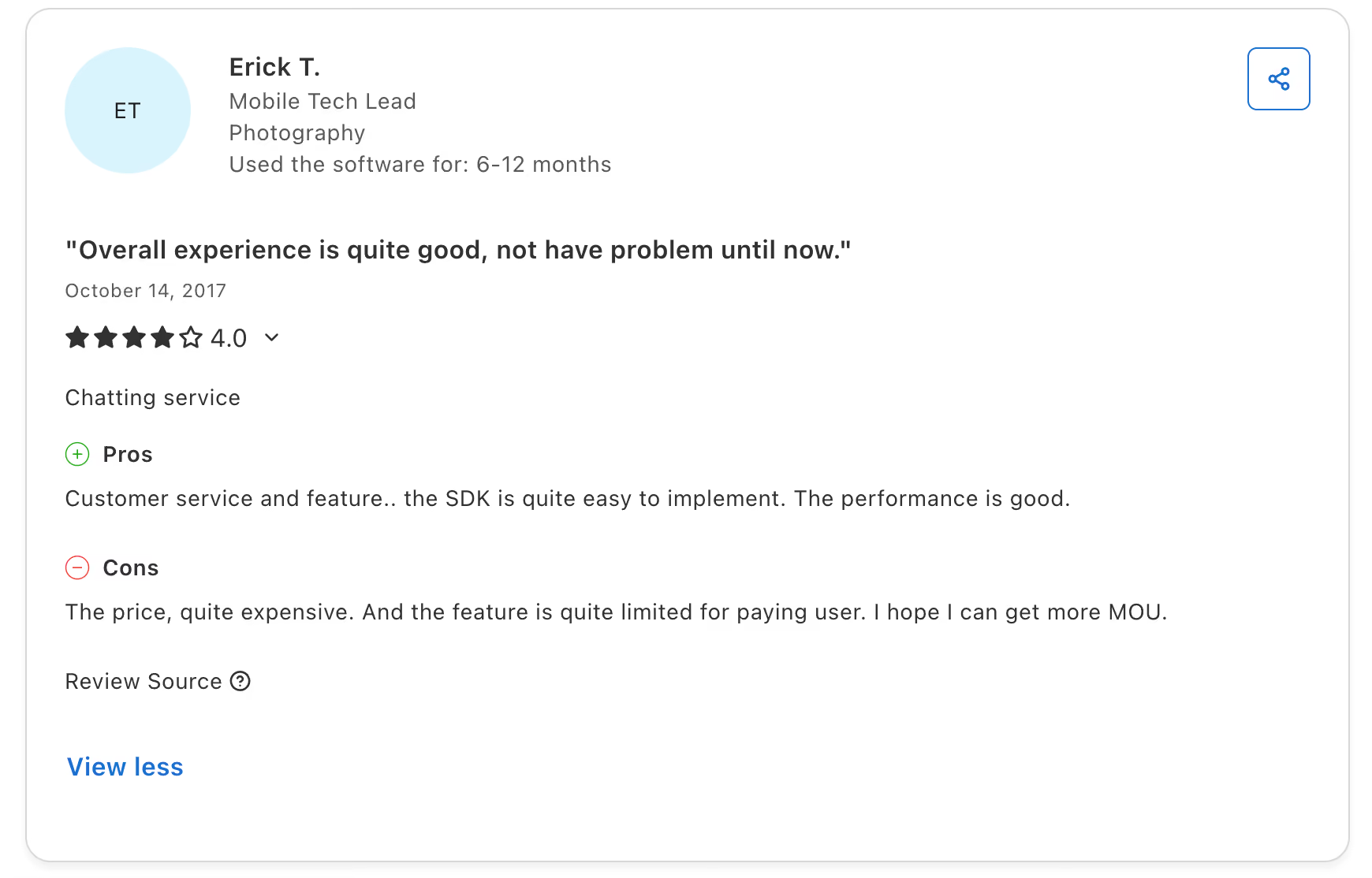
Enterprise users on PeerSpot describe the pricing as higher than competitors and basically non-negotiable. And more than one person points out that Sendbird quotes different prices to different customers, so you can't easily tell if you're getting a fair deal.
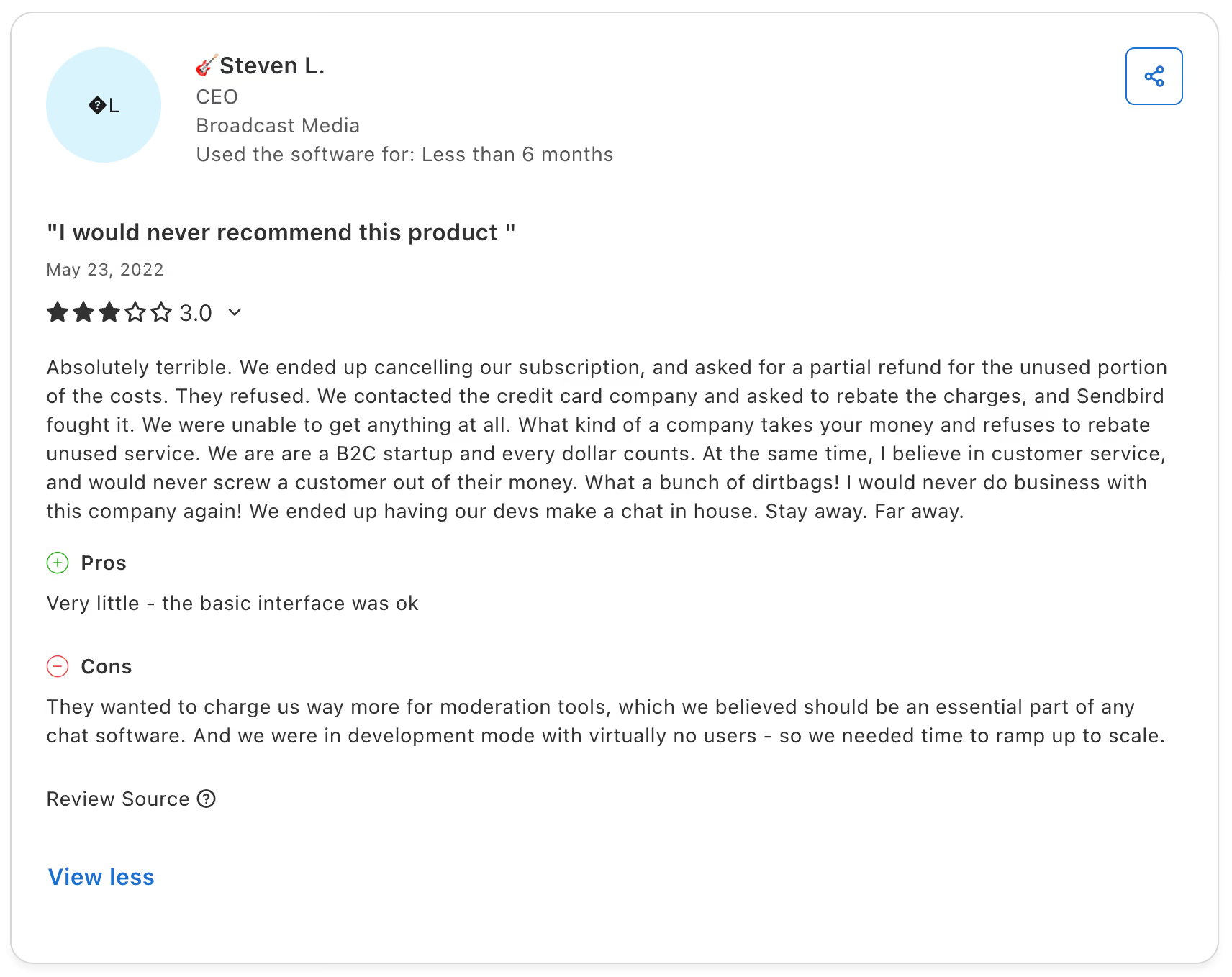
A common note is that the docs are thin on real examples and use cases. Experienced React Native or JavaScript developers manage fine, but newer teams hit walls during UIKit integration because the guidance runs out right when they need it.
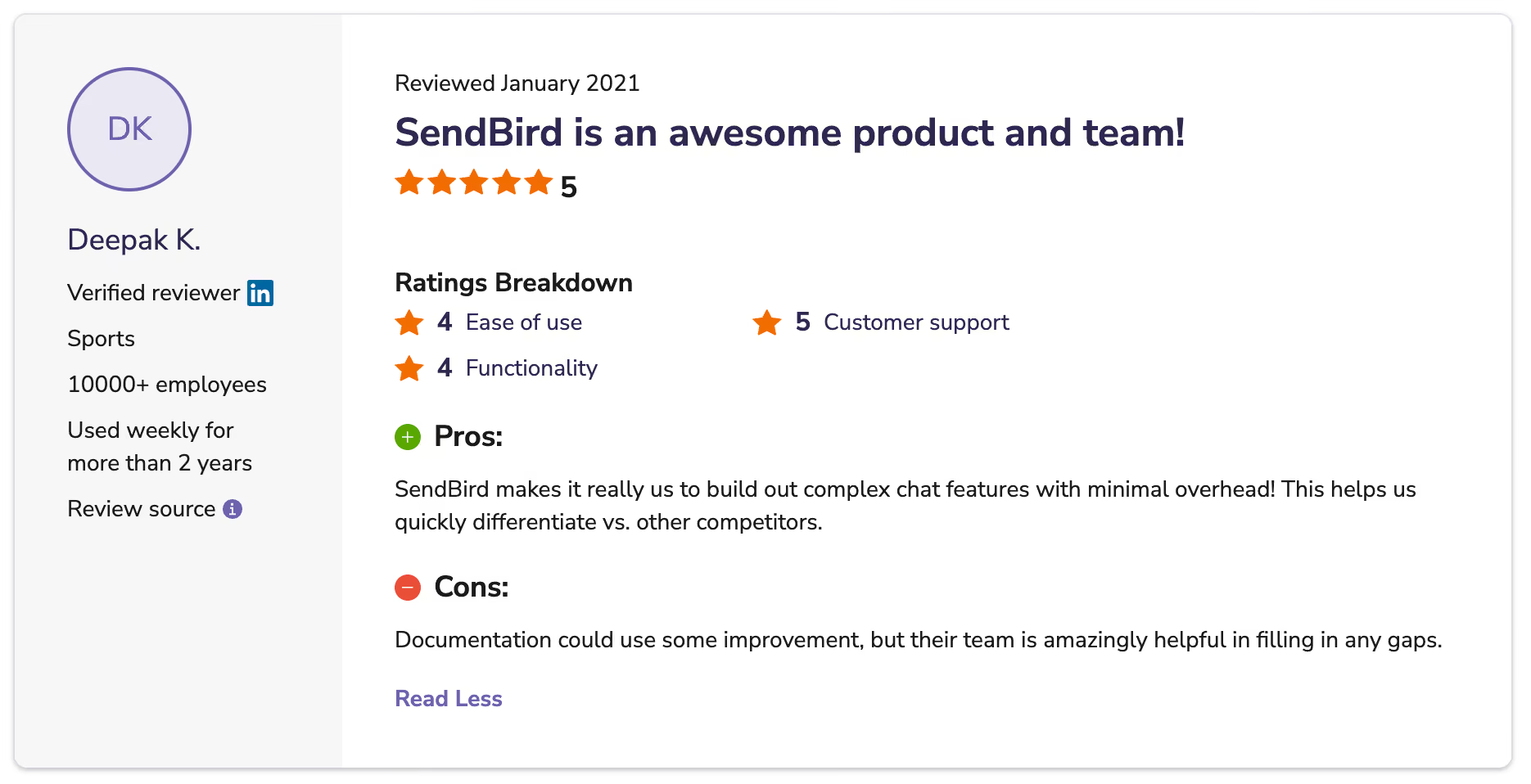
Some reviewers mention Sendbird changing parts of the product without clear warning, which is exactly the kind of thing that slows down support and irritates the users.
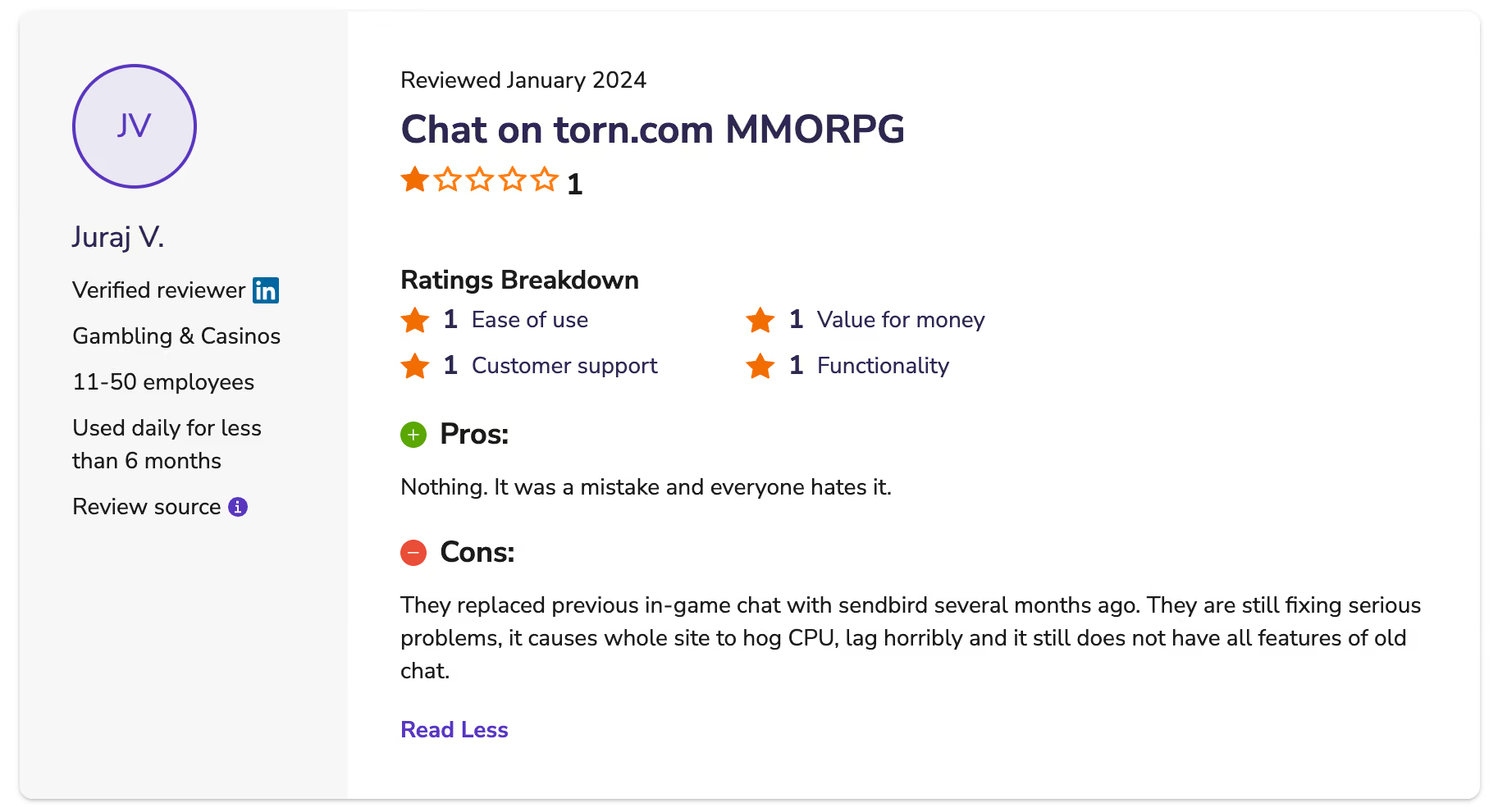
You only get a small number of users to test with, and that's just not enough to see how the platform behaves with real traffic. So most teams end up making the buying decision based on a demo-sized trial, then finding out what Sendbird is actually like after the money's already committed.
Plenty of reviews praise the support team, to be fair. But the unhappy ones are rough: one reviewer describes canceling, asking for a partial refund, getting refused, and then losing the chargeback dispute too. It's a minority experience, but it's the kind that makes a team start shopping around.
Of course, there’s no universal best alternative. The right answer depends on 2 key variables:
If you know the answers to these questions, check out the 4 more questions below to help you find the right solution.
1. Are you building in-app messaging or running customer support?
2. What is your current MAU and expected growth trajectory?
3. Do you have engineering resources to own an SDK integration?
4. What does success look like in 12 months – shipping features or hitting CSAT targets?
Whichever direction you go, take some time to understand the pros and cons of AI in customer service before you commit. In our experience, teams tend to put all their attention on the software and very little on how they'll actually run it. And, usually, the positive changes in the CSAT scores actually depend on that second part.
It also helps to agree on KPIs for customer service AI agents before you buy anything. If you don't, you won't really know whether the new platform is working. Success metrics are needed to measure the implementation progress and the actual benefits the AI brings to your business. Otherwise, you'll just have a vague feeling about it six months in.
If you take one thing from this comparison, let it be this: pick what you want to achieve before you choose the tool. Teams that get this decision right spend their energy improving support, while everyone else spends it managing infrastructure they never wanted.
And if your honest answer is "we just want resolved tickets and happy customers," that's exactly what we do. Reach out to EverHelp, tell us about your queue, and we'll show you options for how your customer support may look, with or without Evly.
Help someone else stay in the know. Hit that share button!




.webp)

.avif)