Support Ops & Teams
Published on
08.02.2026
Last updated on
01.09.2026
Knowledge Base Mastery: 7 Essential Steps to Drive Lead Generation Success

Valentyna
VP of Customer Support

Valentyna
VP of Customer Support
.webp)
Having a professional customer support team and offering great service is undeniably impressive, but is it enough to truly satisfy your customers? Sometimes it may be. But we aren’t aiming to be great “sometimes,” are we?
In our digital age, customers crave instant and independent solutions. Even before the pandemic, customer preferences were shifting toward self-service, with 67% preferring it. Today, around 81% of clients try resolving their issues on their own before reaching out to an agent, and 73% prefer to deal with them independently.
With this in mind, it should be clear that a comprehensive customer support knowledge base is essential. But let’s look more closely at:
Let’s dive in!
Most teams build knowledge bases, thinking they'll simply deflect tickets and that’s it. But a well-maintained knowledge base can do so much more. It reshapes how customers perceive your brand, how employees work, and how leadership makes decisions.
A well-crafted customer support knowledge base does more than answer questions – it positions your brand as a trusted authority in your space. When prospective customers explore in-depth guides, strategic best practices, and clear expert insights before ever speaking to sales, they begin to see your company as a knowledgeable leader rather than just another vendor. By consistently publishing thoughtful, educational content (and not just basic troubleshooting), you demonstrate industry expertise and a genuine commitment to helping customers succeed.
Over time, this depth of knowledge builds credibility and reinforces your reputation as a reliable source of truth — not only for your own product, but for the broader challenges your audience faces. The result is a stronger brand presence, greater trust from potential buyers, and a perception that your organization leads the conversation in the field.
Truly, among the main drivers for customer retention is consistency. When a customer gets different answers from different teams, doubt creeps in. But when your sales rep, your support agent, and your knowledge base all tell the same information, clients' confidence in you grows. A unified knowledge repository, therefore, ensures that every touchpoint carries the same message, creating an experience that feels smooth and seamless.
According to Higherlogic, 77% of consumers view a business with self-service options more positively, while also saying that offering poor self-service is even worse than none at all. And let’s also not forget that what customers expect are instant responses to their queries – something that a structured knowledge base can easily provide.
With such statistics on your hands, it’s not that hard to understand why the following formula is true:
Better knowledge base = happier customers = higher retention.
Of course, one of the most immediate benefits you’ll see after implementing a comprehensive customer self-service system is fewer tickets. This means your agents will now have more time to handle actually complex, high-value interactions rather than answering the same password reset question for the hundredth time.
Existing statistics show the same thing. Which‑50’s 2026 knowledge‑base statistics roundup reports that effective knowledge bases commonly drive a 40–60% reduction in support volume, with examples of a 38% ticket drop in the first month after adding an FAQ widget and eliminating 1200 monthly WISMO tickets via tracking guides. And, according to Gartner’s estimates, self‑service can be x80–x100 cheaper (per interaction) than live support, directly contributing to lower operational costs.
Surprisingly, a knowledge base can also be used as a diagnostic tool.
Think about it: Search queries reveal what customers struggle with, article views show where confusion clusters, and low-rated content flags gaps in your product or messaging.
Your team can then use that data to prioritize product improvements, refine onboarding flows, and allocate resources where they'll have the most impact. Instead of guessing which features need better explanations or which workflows confuse users, you have concrete evidence.
And this shifts your knowledge base from a reactive support tool into both a proactive touchpoint for your audience and a decision-making asset for your business. You can then take it up a notch by offering a more personalized customer service through engines serving different content to different customer segments, turning generic FAQs into tailored and relevant assistance.
New hires often spend their first weeks drowning in Slack threads, hunting down company information, and bothering senior teammates with basic questions. If they only had a comprehensive internal knowledge base…
Instead of waiting for answers, new agents can self-serve through onboarding materials, product walkthroughs, and escalation protocols at their own pace. Thus, centralized, searchable knowledge bases accelerate onboarding and help new hires become productive faster by giving them self‑serve access to policies, processes, and FAQs. But they also provide confidence. When agents know exactly where to find accurate information, they stop second-guessing themselves and start solving problems independently.
{{cta}}
Now that you understand the transformative potential of a knowledge base, it’s time to move on to practical advice on building a strong knowledge base that not only informs your customers but also drives new sales.
So, how do you convert your knowledge base into a lead-generation engine?
Some customer support knowledge bases sit behind login walls, serving existing customers. But when you publish articles publicly and optimize them for search, you can actually attract prospects who don't know you exist yet.
Someone searching for "how to reduce response times in Zendesk" or "automate ticket routing for SaaS support" signals strong purchase intent. If your knowledge base ranks for those queries and demonstrates how your product solves those exact problems, you've just attracted a qualified lead without spending a dollar on ads.
The key is to build not a "support-only" knowledge base, but a "marketing-aware" one. The former answers product-specific questions for people who already bought. The latter maps content to the buyer's journey:
Don’t build your content around what you think customers need. Create it around what they actually search for.
Fact: Research finds that long-tail keywords often convert 2.5x better than broad terms because they capture specific intent.
Map those topics to funnel stages:
We also advise reviewing your support ticket history for recurring "how do I" questions, reviewing chat transcripts from pre-sales conversations, and identifying onboarding blockers that slow new user activation. Articles that address these friction points not only help existing customers but also reassure prospects browsing your docs before committing. When you align content with real search behavior and actual customer feedback, you can start converting.
Publishing great content means nothing if no one finds it. So we beg you to start with on-page SEO fundamentals:
Structure articles with clear headings and relevant keywords early to improve search visibility, and use schema markup (FAQPage, HowTo) to increase featured snippet chances. Support SEO with strong internal linking and topic clusters that guide visitors from basic questions to advanced solutions.
Additionally, maintain solid UX with fast load times, mobile-friendly design, scannable formatting, helpful visuals, and embedded videos. Ensure a powerful on-page search so users can quickly find answers. Track key metrics like organic traffic, engagement, product-page clicks, and conversions — and fix content or pathways when high-traffic articles fail to convert.
Help content doesn't have to be sterile. The best knowledge base articles educate while subtly demonstrating your product's strong features. Instead of just explaining "how to segment customers," show a before-and-after example:
Example: "Before using automated segmentation, Sarah's team spent three hours weekly manually tagging contacts. Now it happens in real time, saving 150+ hours per year."
Add light, non-pushy product cues throughout.
Example: "This workflow is easiest if you're using [Feature X]..."
Here's how this looks in the platform," followed by an embedded GIF or short walkthrough video.
Case studies show that adding interactive product walkthroughs can significantly boost activation (by up to x2). Why? Because prospects move from "I understand it" to "I've experienced it."
Align these cues with buyer concerns. The principle is simple: help first, showcase second. When someone lands on your article with a genuine problem, solve it completely. Then, almost as an aside, show them how your product makes the solution simple.
Random articles help random problems, and we don’t want that. Map the typical journey from new user to power user, then build sequenced guides that walk people through each milestone:
Setup → First win → Optimization → Advanced use cases.
For example, a knowledge base on organizing customer support channels might include a series titled "From First Ticket to Full Omnichannel in 30 Days" with weekly goals and specific articles for each stage. However, you should also train your support agents to prescribe a structured guide series during onboarding.
Example: “Over the next two weeks, follow these three guides to achieve [specific result].”
As customers complete foundational paths and ask, “What’s next?” you can naturally introduce advanced features or premium tiers. These success paths help reduce customer churn by strengthening retention: when customers invest time, build habits, and achieve measurable wins, they’re far less likely to leave. Such “success paths” will lead you to higher customer loyalty.
Support and sales often operate in silos, answering the same questions with slightly different language, which, naturally, creates confusion. Align support and customer-facing teams around shared “commercial” content to keep messaging consistent and help customers make buying decisions faster. Co-create articles that answer common purchase questions:
What also helps is setting up a simple feedback loop: have frontline teams flag recurring objections, pre-purchase questions, or checkout hesitations, then turn them into clear KB articles with step-by-step guidance and real customer examples. Use these resources across chat, product pages, help centers, and onboarding so customers get the same answers everywhere. Consistent, helpful content builds trust, reduces confusion, and improves conversions while maintaining high customer service standards.
Your knowledge base search logs are a goldmine of customer intent data.
Review KB search logs monthly to spot intent signals across both B2B and B2C personalization journeys. Analyze “no result” queries to uncover missing features, integrations, or workflows — then feed those insights into product, partnerships, and enablement content.
Track searches tied to customer churn risk (e.g., cancellation, data export) and trigger proactive outreach from support, CSMs, or account teams. When users search for advanced capabilities or higher-tier features, treat these as buying signals and route conversations to the appropriate revenue owners.
Combine your insights from the knowledge base for customer support with CRM and product usage data to guide the upsell strategy. Research shows that companies using behavioral and product data systematically often see 20–30% higher upsell conversions or upsell revenue reaching ~25% of total revenue, though success typically comes from integrated data sources, not KB analytics alone (Lucid). As such, use aggregated search trends in pricing, packaging, and roadmap discussions to replace assumptions with real customer demand signals.
Support agents don't need to become salespeople, but they should understand how their work influences revenue. So, as a final step, include revenue-aligned behaviors in onboarding and ongoing training:
Example: If a customer asks, "Can your chatbot handle multiple languages?", a revenue-aware agent will confirm the capability, link to a relevant knowledge base article showing how it works, and gently note: "Teams using multilingual automation typically reduce response times by 40% in international markets – happy to show you how others have set this up if you'd like."
SO, build QA criteria that reinforce such habits. Score interactions on whether the agent used the knowledge base effectively, shared at least one relevant article, and, where appropriate, highlighted capabilities that support the customer's stated goals.
Importantly, though, this should never devolve into hard selling. The principle is "help first, then guide." Because that’s what customer success actually is. And, according to research, companies with strong customer success programs have 33% higher expansion revenue and 12% less gross churn than those without.
Nailing down theory is good, but it’s much more efficient to see how a well-organized knowledge base looks in real life. Below you will find a few examples of structured KBs offered by famous businesses.
Zendesk's own help center practices what it preaches: clear categorization and strong search functionality. The platform excels at progressive disclosure, starting with high-level overviews before diving into technical details, while maintaining consistent formatting and terminology across thousands of articles that serve both beginners and power users.
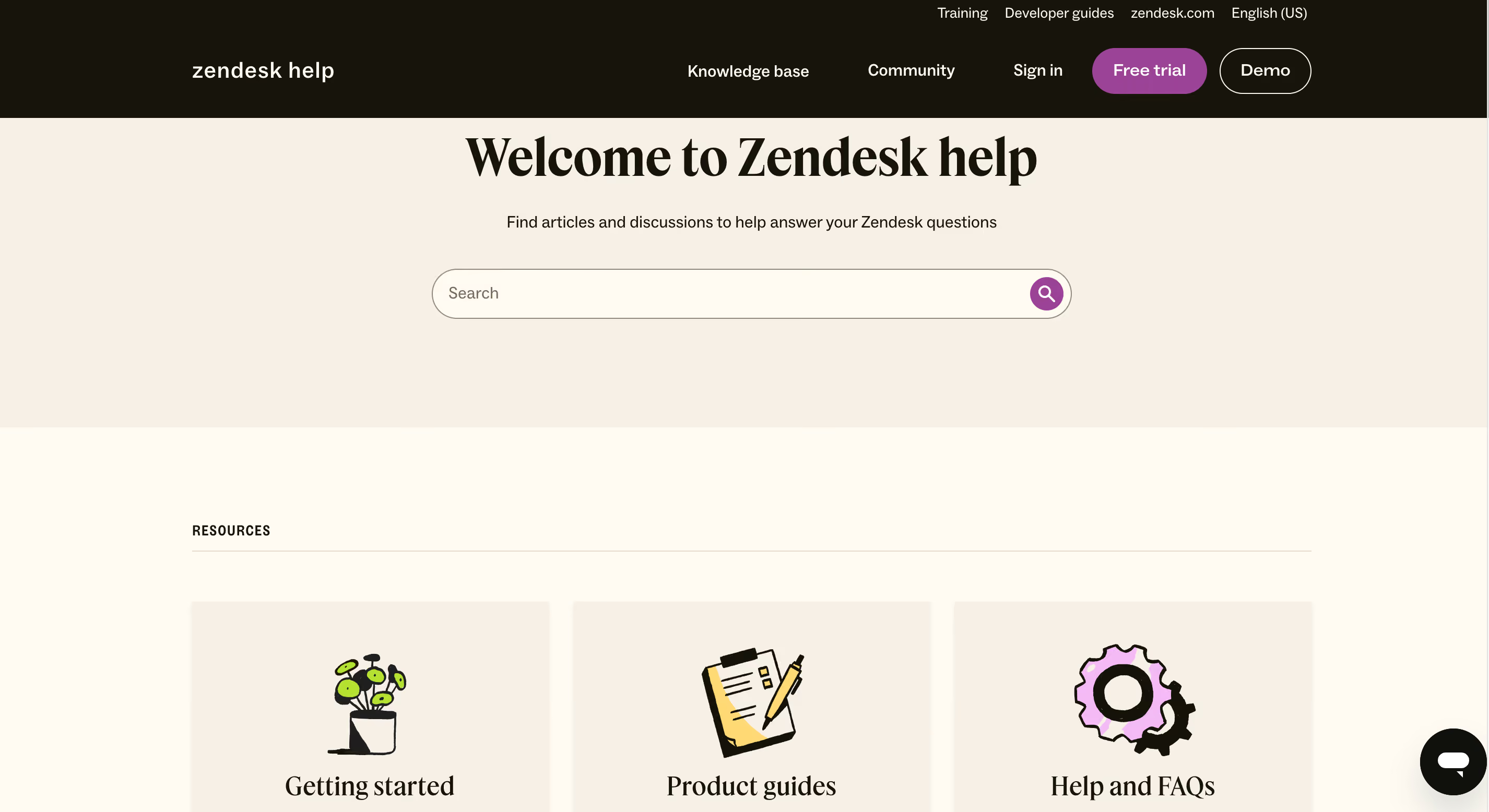
What stands out most is a clean visual hierarchy that guides users from broad topics to more specific solutions.
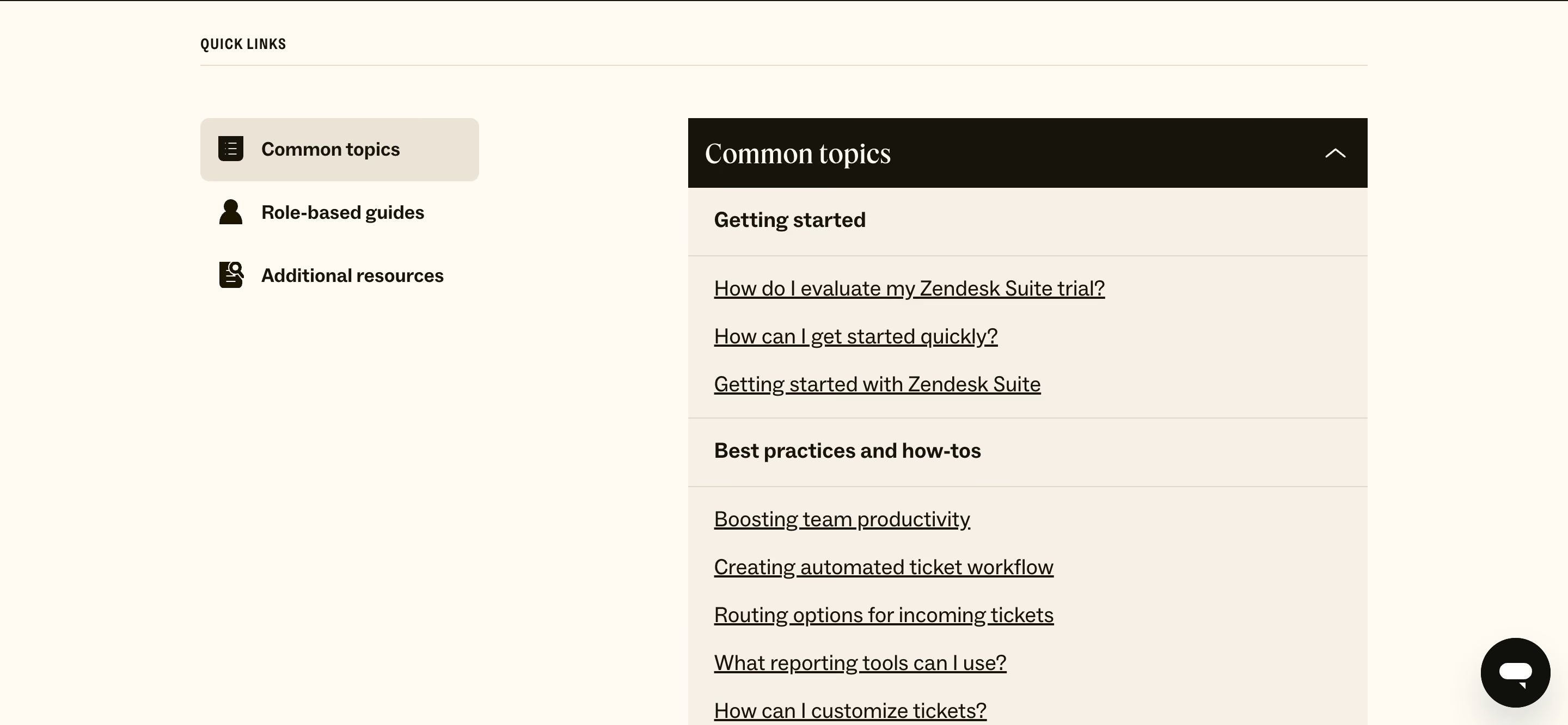
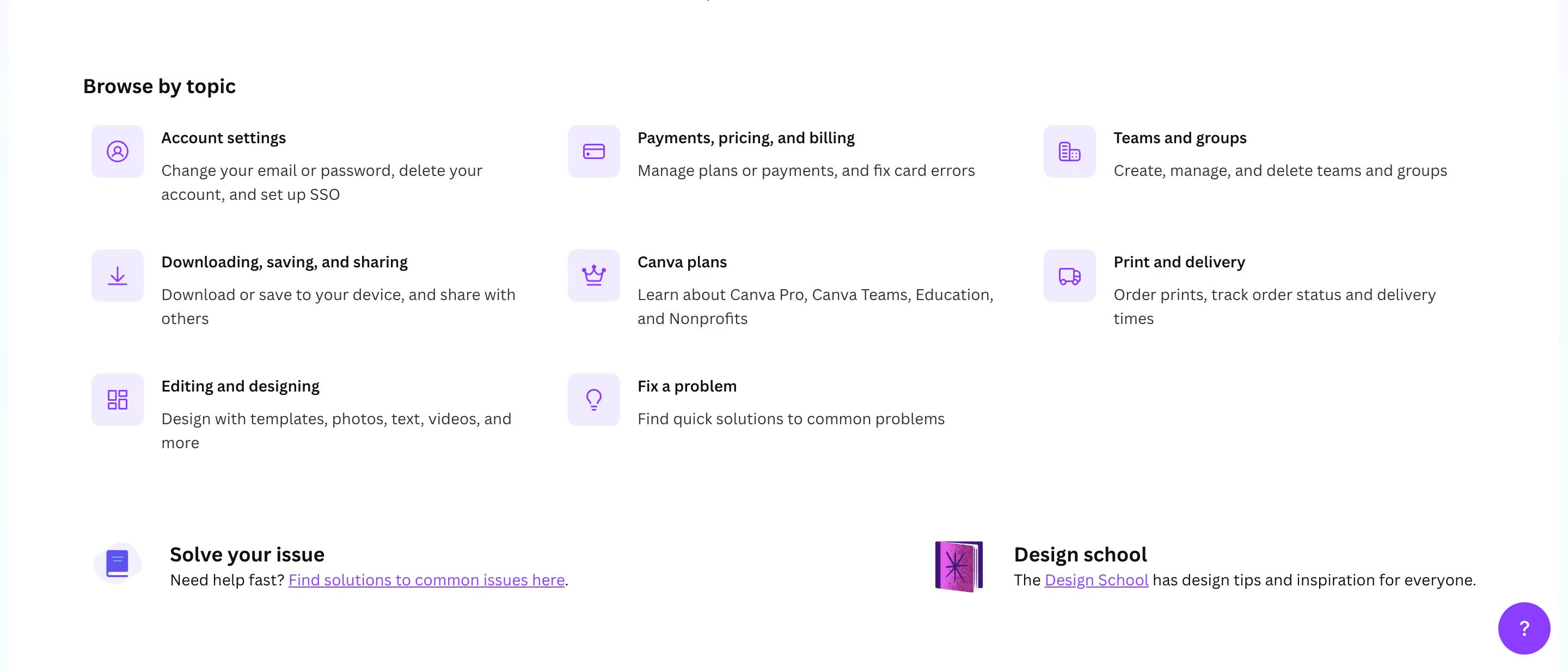
Canva's knowledge base stands out for its visual-first approach, using screenshots, GIFs, and short video tutorials that match the platform's design-centric brand. It also invites users to chat with their help bot first, so they can find the necessary information much quicker.
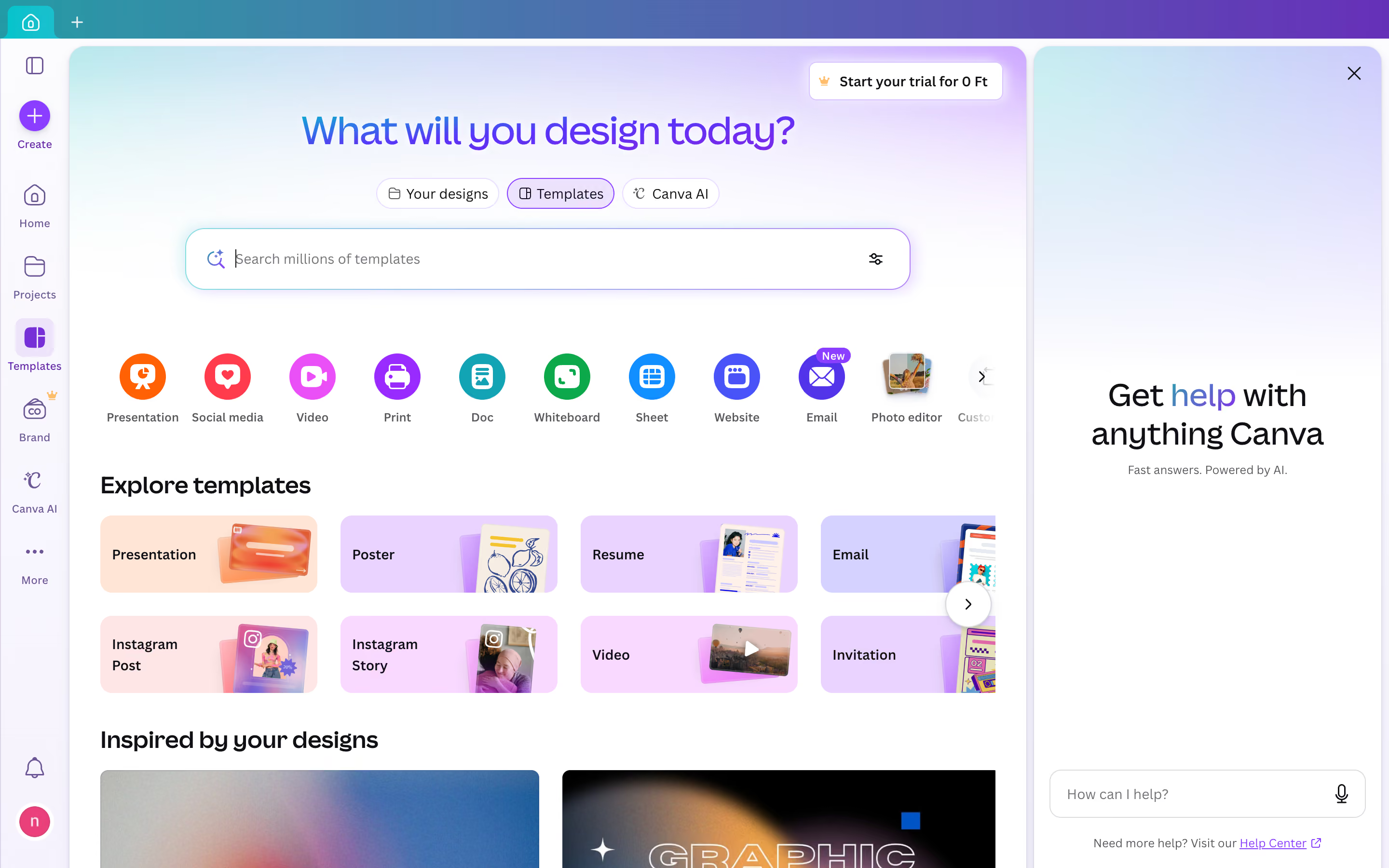
They also integrate community-generated templates and use cases alongside official documentation, which creates a rich, multi-layered learning ecosystem
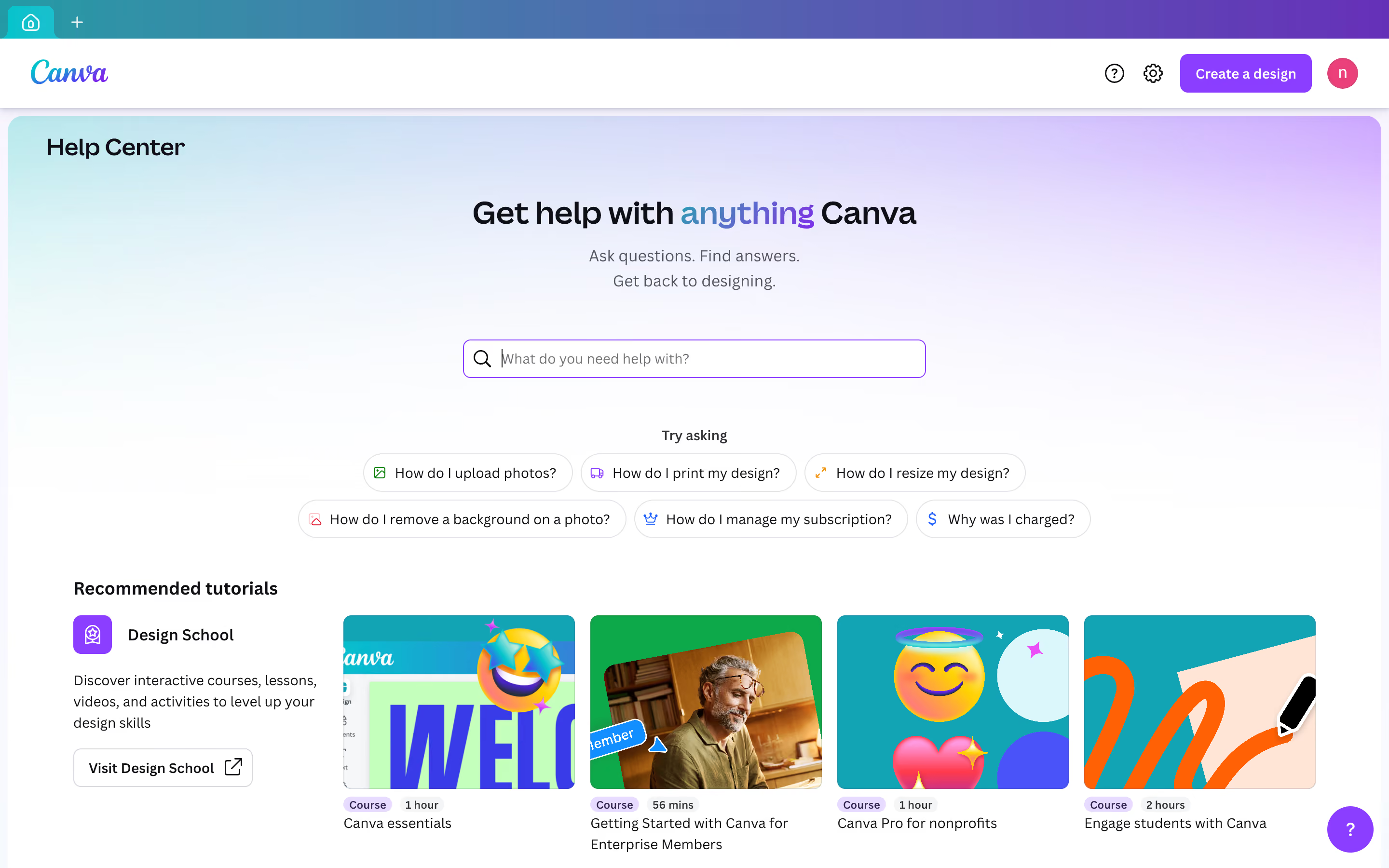
Their articles are action-oriented, organized by user intent rather than technical structure, making it easy for non-designers to find exactly what they need.
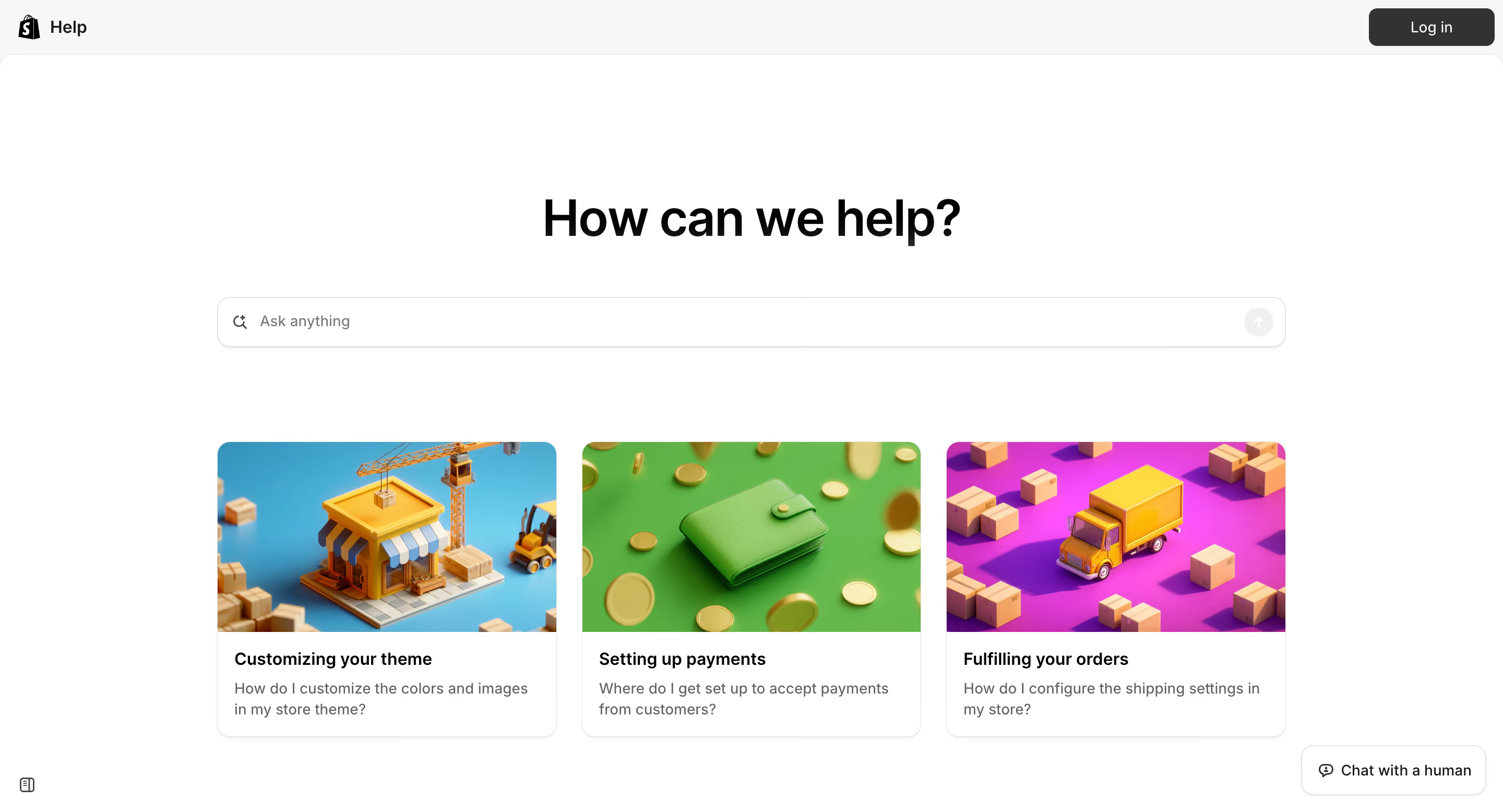
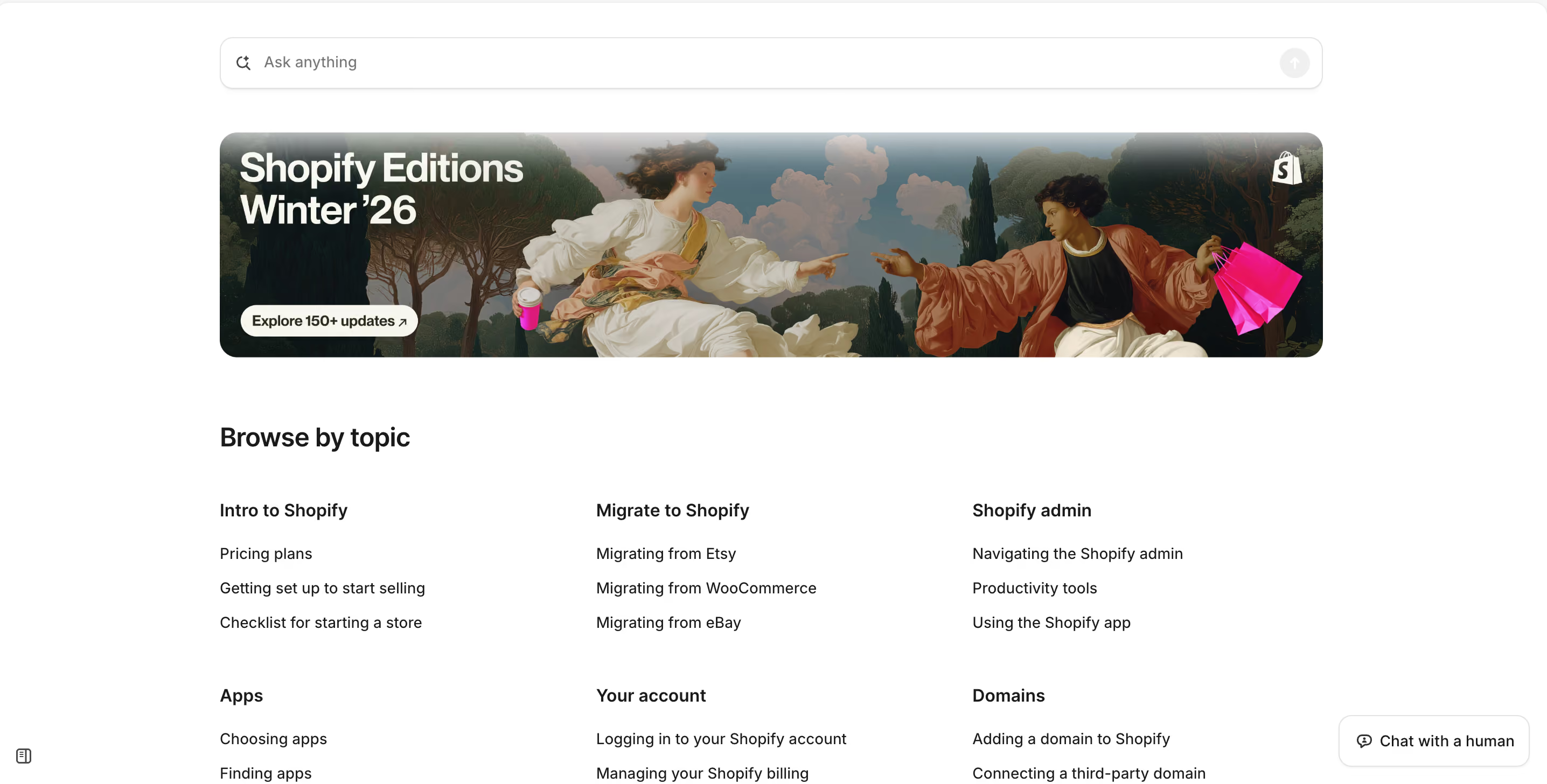
Shopify's help center is also a good example of prestinely-clean organization. Here. they offer articles from beginner setup guides to advanced API documentation without overwhelming users.
The tiered navigation separates merchant resources from developer and customer docs, making searching for information much quicker.
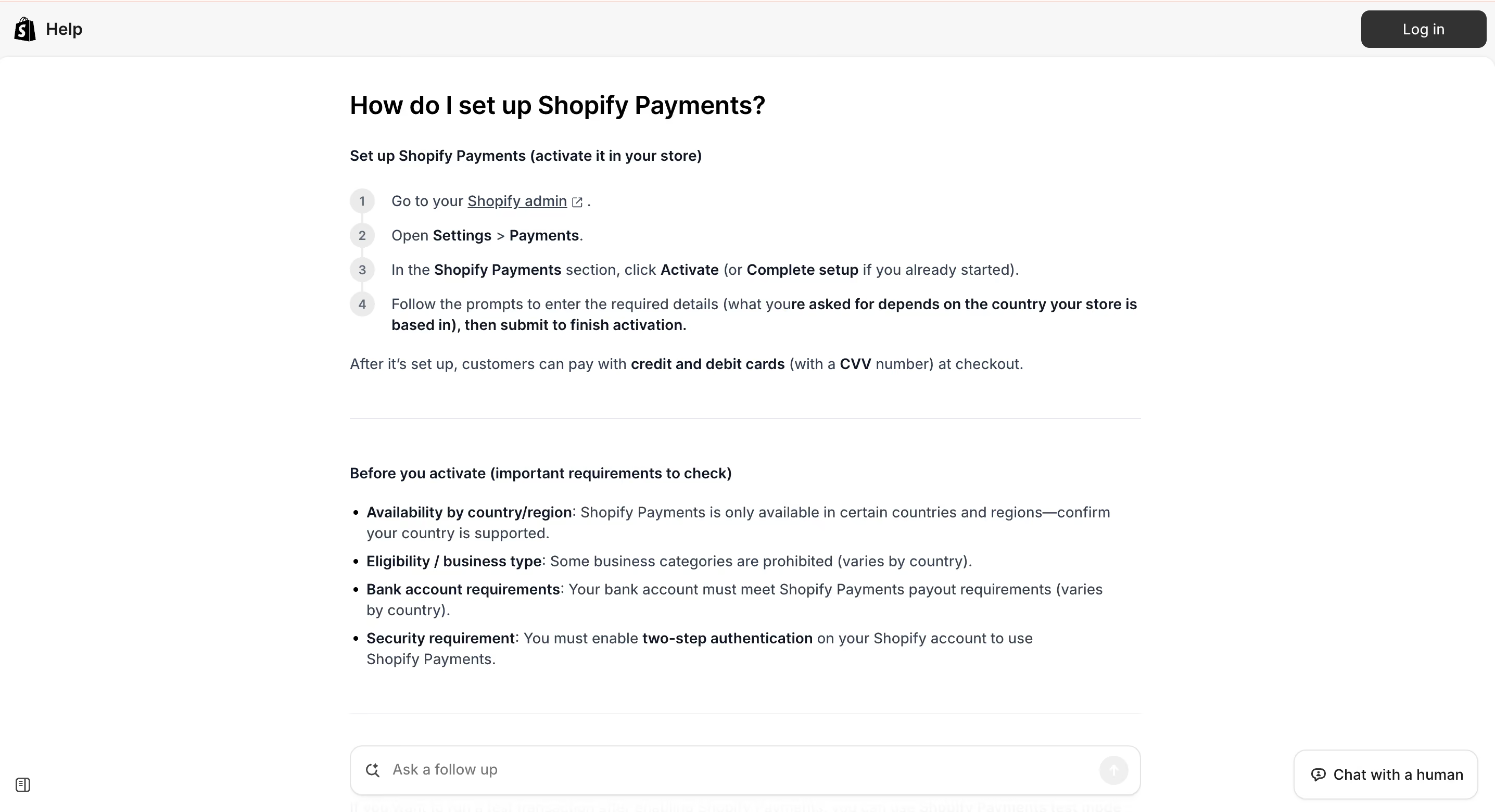
Plus, they have an AI-powered help center assistant, ready to answer any questions. However, if you don’t find it helpful, you always have an opportunity to chat with a human (the button in the bottom right corner indicates that).
{{cta}}
Back in the day, creating a knowledge base was probably one of the most exhausting tasks for management teams. Imagine chasing down bits of information from different departments and trying to stitch everything together into one massive (and usually very messy) Word document.
Fortunately for all of us, we are stepping into the age of customer support automation, where smart technologies can quickly and effectively build a knowledge base for us. With so many software solutions to choose from, we’ve decided to make the process easier for you. Below you will find our top 5 options for you.
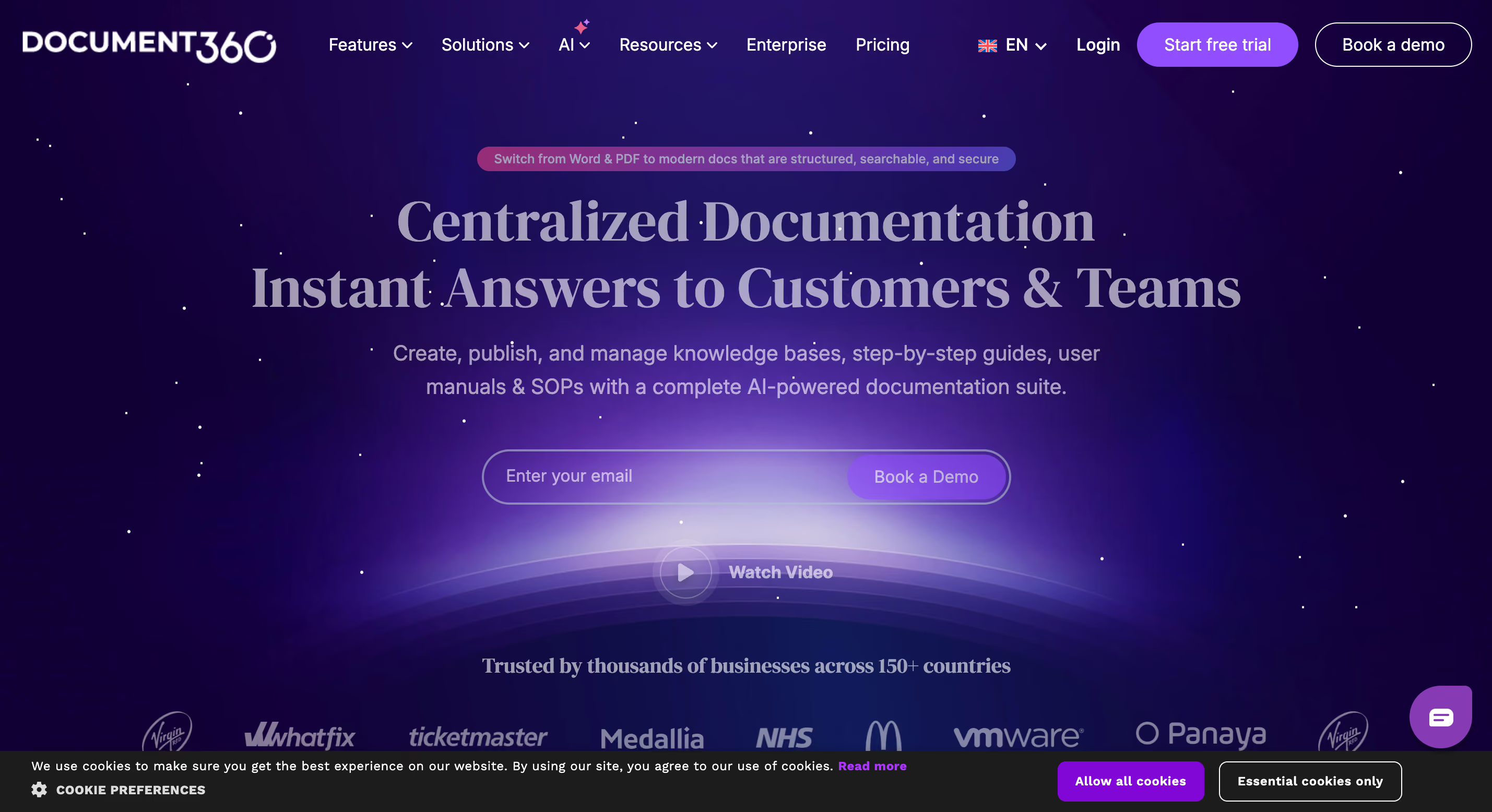
Document360 is a dedicated AI-supported knowledge base platform designed to create customer-facing and internal documentation. It offers a clean editor with version control, category management, and robust analytics that show you which articles perform well and where customers get stuck. The platform supports multiple knowledge bases from a single account, making it ideal for companies managing different product lines or customer segments. With built-in SEO optimization tools, customizable branding, and AI-powered search, Document360 helps teams build searchable, professional documentation without needing developers or designers.
Pros:
Cons:
Best for: Mid-sized to large SaaS companies and tech firms that need a more customer-facing documentation platform with strong analytics.
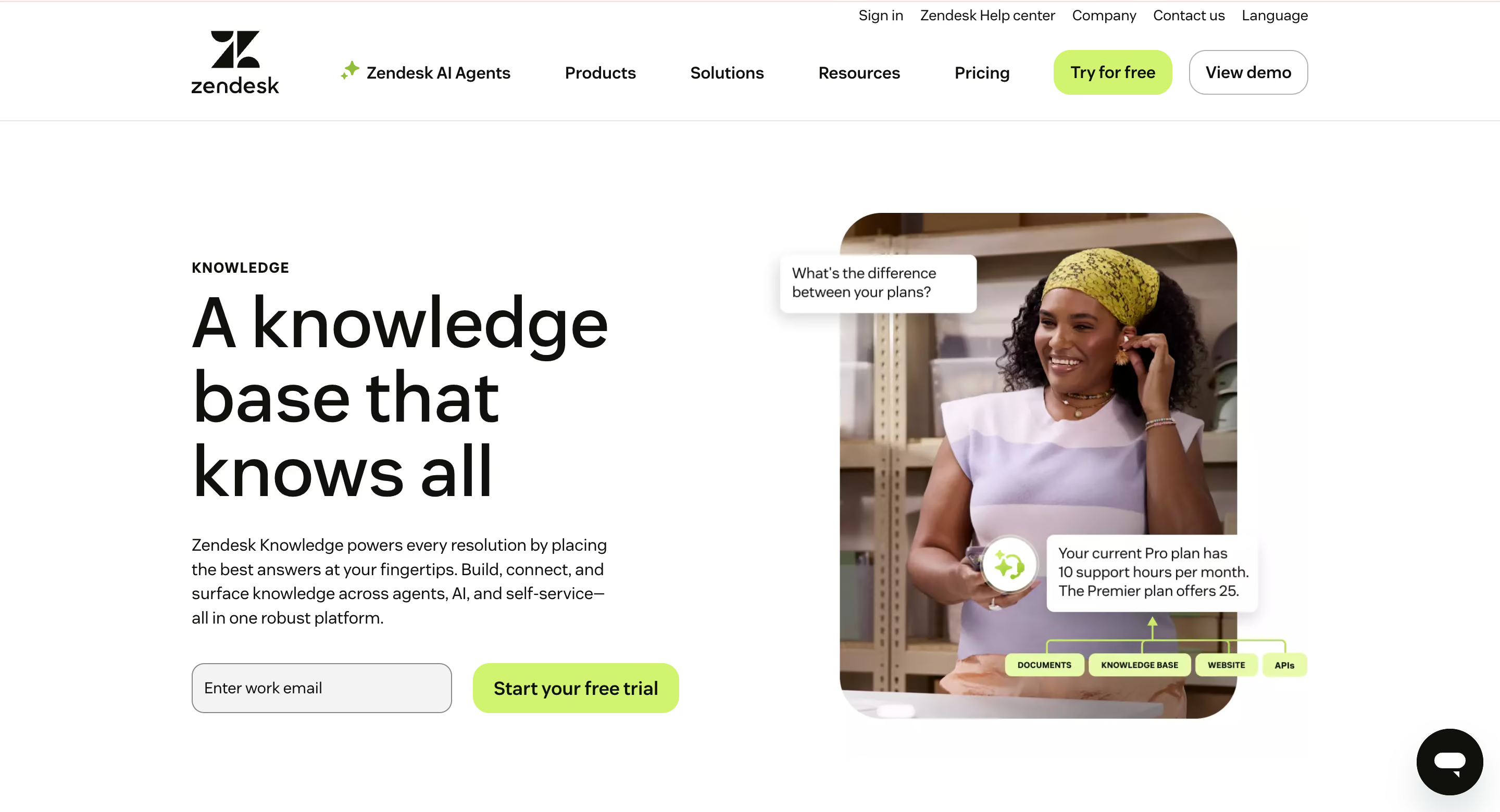
Zendesk Knowledge is the knowledge base component within Zendesk's broader customer service suite. Its main advantage is that it integrates seamlessly with Zendesk Support, allowing agents to insert help center articles directly into tickets and track which content actually resolves issues. The platform supports AI-powered answer suggestions, multilingual content management, and community forums alongside traditional help articles. Because it lives within the Zendesk ecosystem, you get unified reporting that shows how self-service impacts ticket volume, resolution times, and customer satisfaction scores across all channels.
Pros:
Cons:
Best for: Established enterprises already using or planning to adopt Zendesk's full customer service platform who need tight integration between support tickets and knowledge content.
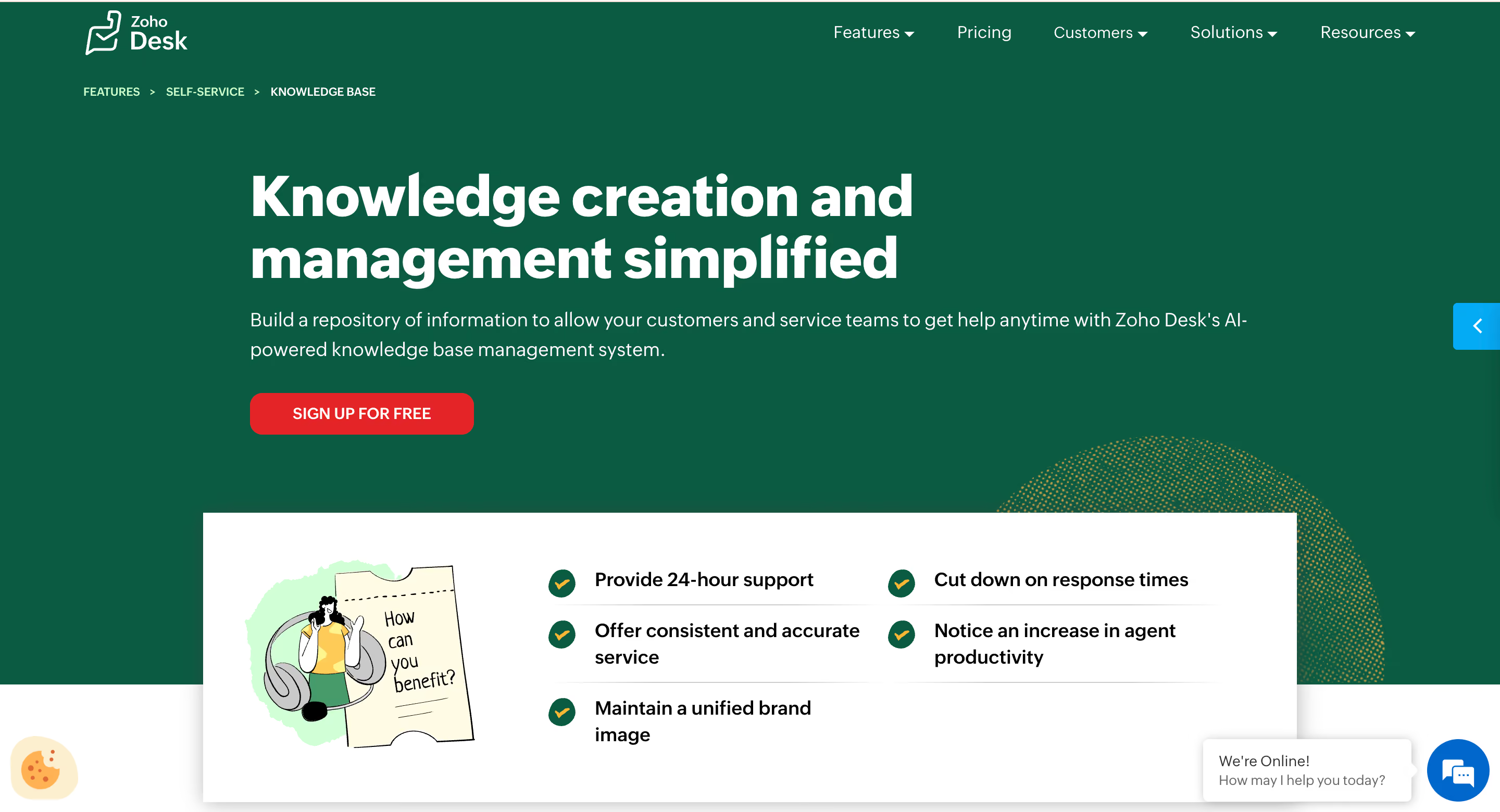
Zoho Desk bundles knowledge base functionality into its affordable help desk platform, offering a practical middle ground for growing teams. The knowledge base editor includes templates, rich media embedding, and category structures that simplify content organization. Articles integrate directly with ticket responses, and the platform's AI assistant can automatically suggest relevant articles to both agents and customers. Because Zoho Desk is part of the larger Zoho ecosystem, you can connect your knowledge base with CRM data, sales workflows, and marketing automation without paying for multiple standalone tools.
Pros:
Cons:
Best for: Small to mid-sized businesses already invested in the Zoho ecosystem. Also, budget-conscious teams seeking solid knowledge base functionality bundled with affordable help desk software.
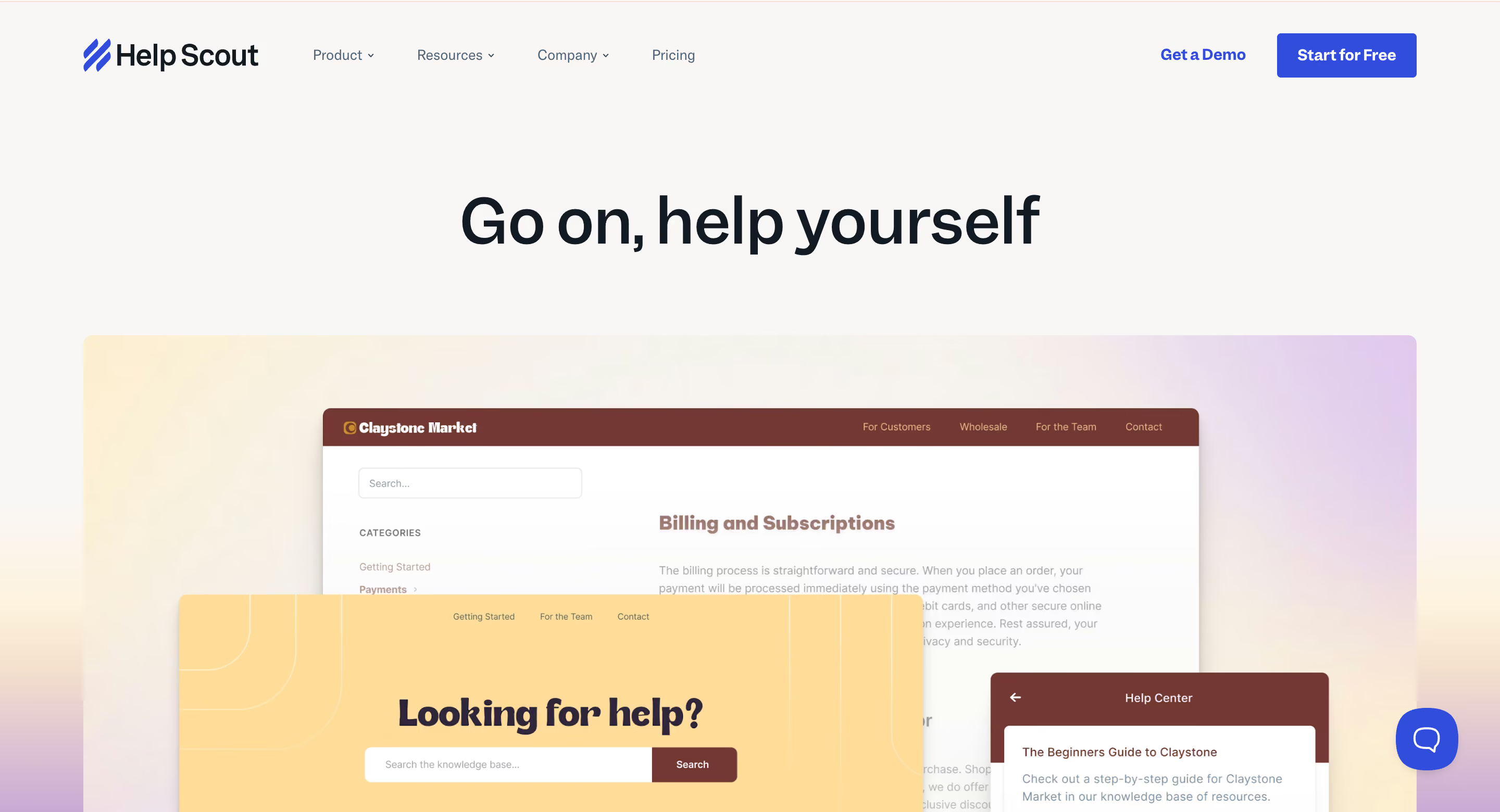
Help Scout's Docs product focuses on simplicity and usability, offering a clean, distraction-free knowledge base experience for both creators and readers. The platform emphasizes readability with a minimal design that puts content first, and it integrates tightly with Help Scout's shared inbox to let agents answer tickets using knowledge base articles. Real-time collaboration features allow multiple team members to edit articles simultaneously, while built-in analytics show which content drives the most value. Help Scout also offers embeddable widgets that surface relevant articles directly within your product interface.
Pros:
Cons:
Best for: Customer-centric startups and small businesses prioritizing ease of use over complex feature sets, especially those already using Help Scout for email support.
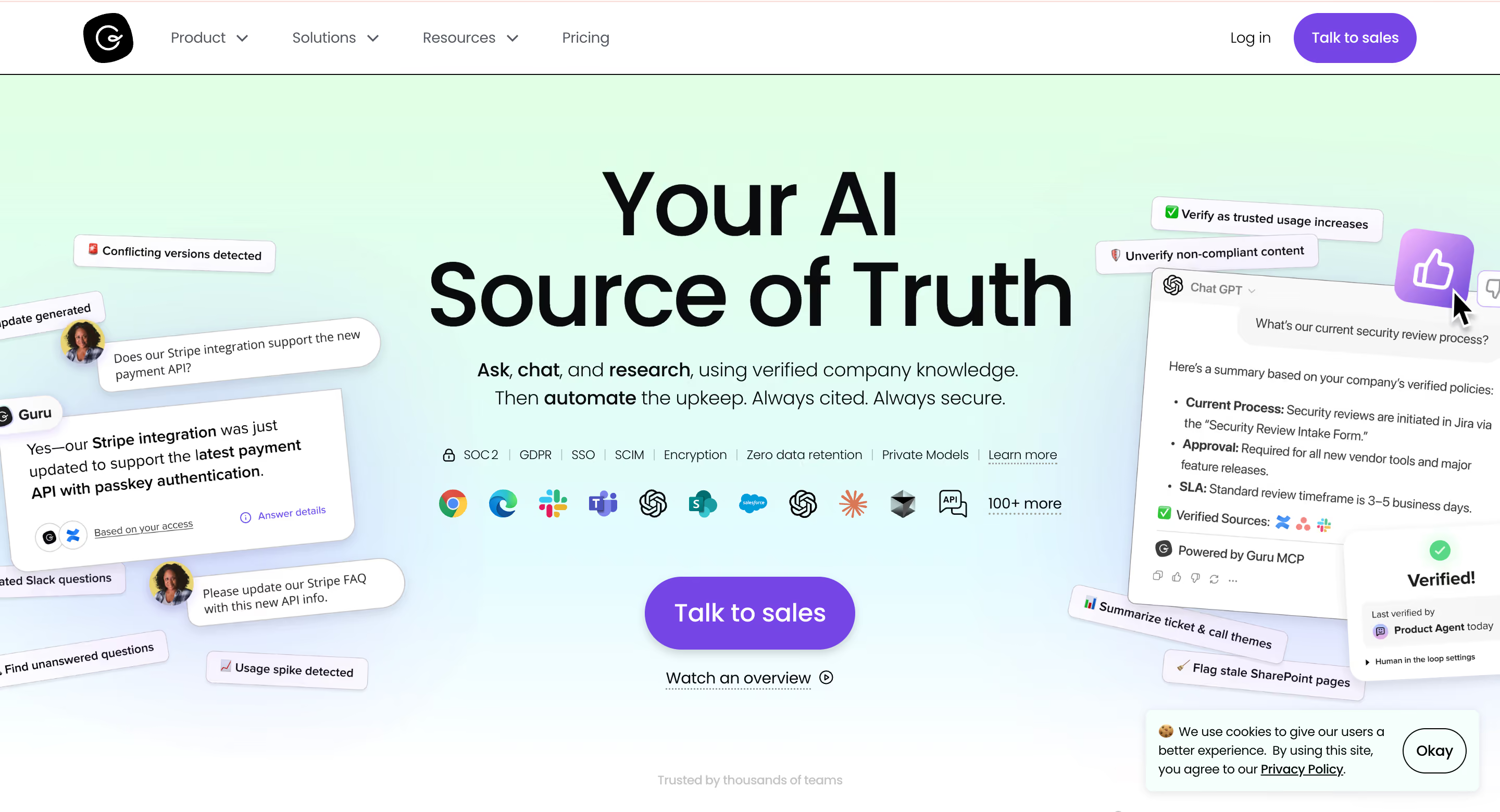
Guru takes a fundamentally different approach by embedding knowledge directly into the tools your team already uses rather than forcing them to visit a separate portal. It integrates with Slack, Chrome, Microsoft Teams, and other daily applications, surfacing relevant information exactly when and where employees need it. The platform uses AI to verify content accuracy, flag outdated information, and suggest updates based on usage patterns. While Guru serves both internal and external knowledge needs, it particularly excels at keeping distributed teams aligned with consistent, verified information accessible from anywhere.
Pros:
Cons:
Best for: Remote-first companies and distributed teams that struggle with information silos and need knowledge management woven directly into daily communication tools rather than centralized documentation.
What we all can agree on is that a well-designed knowledge base for customer support is more of a strategic asset, rather than just a help center. When your content educates, aligns teams, and surfaces real customer intent, it quietly turns everyday interactions into trust-building moments that influence buying decisions and long-term loyalty. The key is to treat your knowledge base as a living system that evolves alongside your customers and your business goals, and not a static library of answers.
If you’re ready to build or upgrade your knowledge base but aren’t sure where to start, you don’t have to figure it out alone. EverHelp experts have helped dozens of companies design knowledge bases that actually support growth. Book a meeting with our team, and we’ll help you create a knowledge base that works smarter for your customers and your revenue.
Help someone else stay in the know. Hit that share button!
.webp)
.webp)

.avif)
.avif)
.webp)
.webp)