AI & Automation
Published on
09.01.2026
Last updated on
01.09.2026
A Step-by-Step Playbook for Customer Support Automation

Valentyna
VP of Customer Support

Valentyna
VP of Customer Support
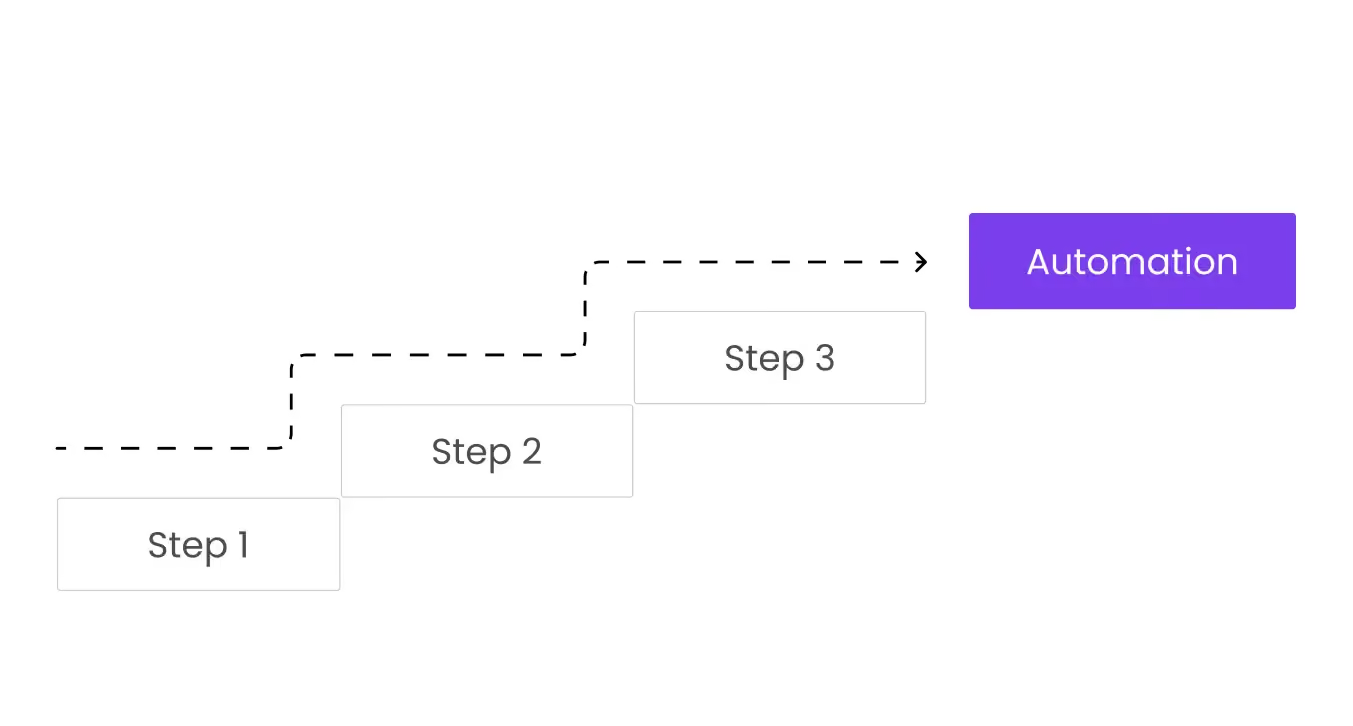
Growing support teams face a brutal reality: ticket volumes compound faster than you can hire, customers expect instant responses across every channel, and one misstep sends satisfaction scores into freefall. 90% of customers consider instant customer service crucial or very important, which means slow, fully manual support is no longer an option for growing teams.
Smart customer support automation transforms how teams handle repetitive work, giving agents room to focus on what machines can't replicate: empathy, nuanced judgment, and creative problem-solving. This is ultimately what separates truly good customer service from mediocre, transactional support experiences.
Real automation needs a playbook that maps integration points, anticipates resistance, and builds safeguards protecting both efficiency and experience. And that’s why we wrote this article for you.
AI uses natural language processing (NLP) to understand customer questions, pulls the right information from your systems, responds automatically, and routes complex cases to human agents. It then learns from these interactions to improve over time.
What is customer support automation? It's more than chatbots greeting homepage visitors. True automation spans workflows, routing tickets to specialists in seconds, self-service portals where customers solve issues independently, and AI assistants drafting responses for agents handling complex cases.
Strategic value emerges through core outcomes:
Companies racing to deploy automation often fragment their tools. Marketing picks a chatbot platform, IT chooses ticketing, and the customer support team toggles between six dashboards with zero shared context. Without a unified playbook, these disconnected tools create more friction than they eliminate, often leading to inconsistent experiences, broken handoffs, and eventually poor customer service.
Volume alone rarely justifies automation. The real triggers are more nuanced:
That said, not every interaction should run through a bot. Emotionally charged situations like refund disputes, account security breaches, or complaints about service failures demand human judgment and empathy. Complex troubleshooting requiring back-and-forth diagnosis doesn't lend itself to scripted flows. High-value accounts often expect white-glove treatment, not automated triage.
{{cta}}
Follow this simple 5-step process in order to automate your customer support the right way.
Before automating anything, you need visibility into what's actually happening. Catalog every customer support channel customers use to reach you: email, live chat and chatbot, social media, voice, and in-app messaging. Pull current baselines for Service Level Agreements, First Reply Time, resolution time, and CSAT scores. These numbers anchor your automation strategy and help you understand how well you currently align with modern customer service standards before introducing automation. Moreover, this is essential because different channels require different tools. For example, if chat is your primary channel, you should focus your evaluation on AI live chat software built specifically for that use case.
Next, leverage analytics and conversation tagging to identify the Pareto principle at work: the 20% of issues driving 60–80% of your volume. Classic examples include password resets, order status checks, FAQs about returns or refunds, appointment scheduling, and basic billing queries. Tag and categorize historical tickets so patterns emerge. Most helpdesks offer built-in reporting; if yours doesn't, export raw data and run pivot tables.
While mapping volume, note the gaps. Maybe you lack a centralized customer support knowledge base, or you don't yet have a structured customer feedback system, all to capture sentiment, identify friction points, and prioritize improvements based on real customer input. Perhaps manual triage bogs down agents every morning, or escalation paths remain murky. These gaps become your automation roadmap.
Not all tickets deserve automation. The best candidates share four traits: low emotional load, low risk, clear rules, and short resolution paths.
For flows that carry higher risk, like refunds above a certain threshold, account closures, or compliance-related requests, consider assisted automation. The AI drafts a response or recommends next steps, but a human reviews and approves before anything goes to the customer.
Clarity around ownership prevents chaos. Define what automation handles versus what stays with humans across support tiers.
Draft explicit escalation rules:
Customers shouldn't notice friction or have to repeat themselves. Handoffs should feel seamless across channels, not like separate systems stitched together behind the scenes, which is a core expectation of modern omnichannel customer service. Service guardrails anchor this framework, so set maximum wait times, offer clear AI opt-out options with a “Talk to a human” button always visible, and maintain “never automate” categories for sensitive scenarios, such as fraud investigations or medical advice.
This blueprint also clarifies roles for agents. They're no longer ticket-answering machines as, for example, well-designed service portals alone can deflect 40-60% of incoming common customer queries, with AI agents covering even more of the remaining high-volume, low-complexity interactions.
Instead, agents become quality controllers, escalation handlers, and mentors for AI systems that learn from their feedback and corrections.
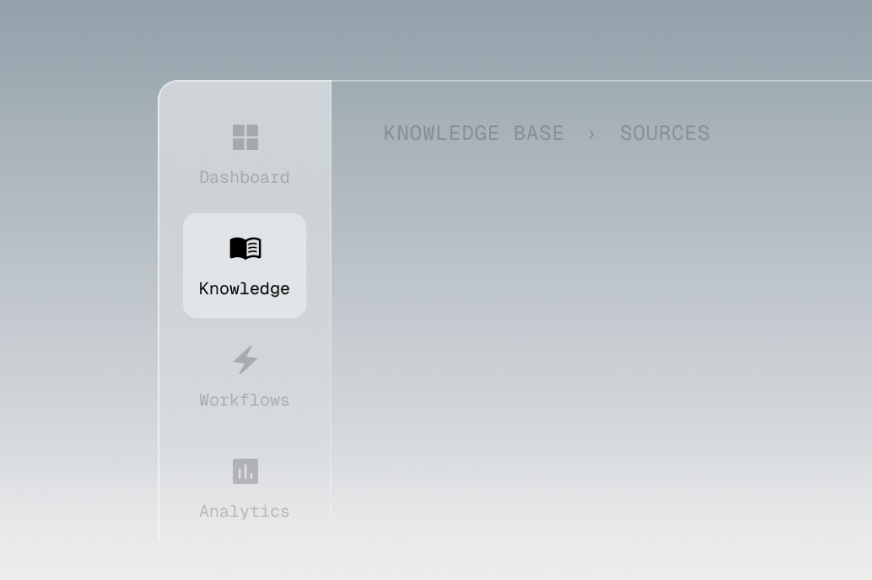
What are the top tools you need to have for good automation? They include a helpdesk or ticketing system, a knowledge base, an AI chatbot or virtual agent, workflow automation software, quality assurance tools, and analytics dashboards.
Resist the urge to chase every new feature. Instead, follow these decision factors when picking a tool:
How does AI in customer service automation work in customer support? Modern platforms combine conversational AI with knowledge retrieval, intelligent ticket routing, and agent assist features, all under one roof.
Once you've selected priority use cases, map conversation paths in granular detail.
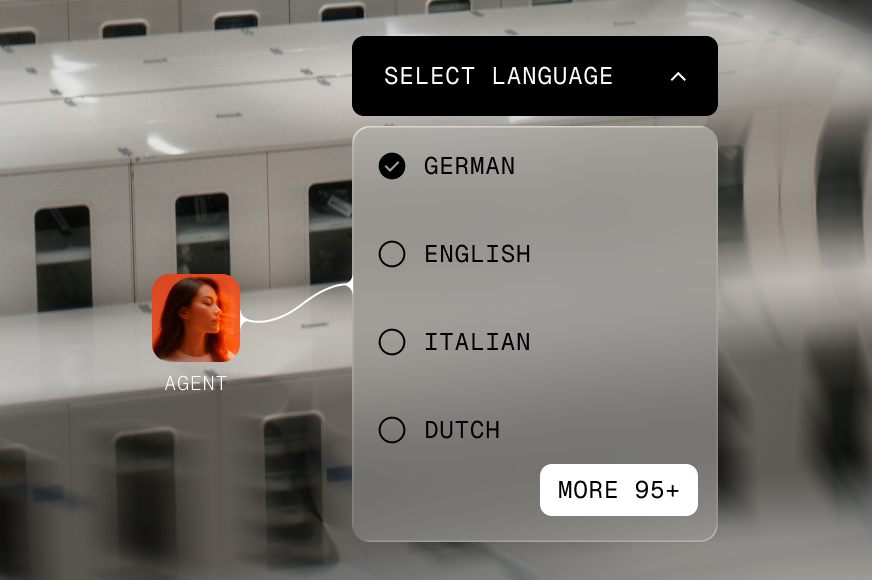
Develop self-service content in parallel. If the bot directs customers to a knowledge base article, that article must exist, be accurate, and use language customers understand. Scripts, forms, and interactive guides round out the resources. Personalized customer service matters as well – use CRM data to greet customers by name, reference their subscription plan or recent purchases, detect their language preference, and tailor responses based on past interactions.
A returning customer frustrated by the same issue shouldn’t get a generic reply; they deserve acknowledgment and expedited handling.
Launching customer service automation to 100% of traffic on day one is reckless. Start with one or two use cases and route only 20–30% of relevant traffic through the automated flow. Run the pilot for four to six weeks to gather enough data for statistical significance.
Track these metrics closely:
Involve agents throughout the pilot. They review AI responses, flag errors like incorrect information or tone mismatches, and suggest refinements. This feedback loop is critical because agents know the edge cases, the questions customers ask that don’t fit neatly into scripts, and the moments where human judgment makes all the difference.
And only when you see consistent improvements across these metrics should you increase the % of automation. Keep reading for our use case regarding the customer support automation percentage and required integrations later in the article.
Frame the transition positively: agents shift from “What are your hours?” to solving nuanced problems that stretch their skills and deliver greater satisfaction.
Training focus areas:
Set up continuous feedback loops with weekly reviews during rollout, then monthly once stable.
Transparency builds trust. Update your digital customer service tools and messaging so customers know when they’re interacting with automation versus a human. Phrases like “Our AI assistant can help with common questions, or connect you to a specialist if needed” set appropriate expectations without sounding robotic or apologetic.
In addition to that, offer easy human exits with a prominent “Talk to a live agent” button that bypasses automation without friction. Clear SLAs for escalated issues matter too – if the bot hands off a complex case, communicate expected response times so customers aren’t left wondering if anyone’s handling their problem. Also, monitor sentiment and qualitative feedback, especially after launch and during peak seasons like holidays or product releases.
And don’t forget to track customer satisfaction metrics continuously, since negative reviews spikes signal where automation is falling short.
You might like: Freshdesk vs Zendesk. Who wins?
Once KPIs stabilize and guardrails prove effective, add new use cases incrementally. Don’t sprint from 30% automation to 80% overnight. Instead, scale methodically:
Periodically retrain AI with fresh conversation data: customer language evolves, products change, policies update. Schedule quarterly reviews to update knowledge bases, refine scripts, and retire outdated flows.
Advanced techniques for mature implementations:
{{cta-lm}}
Fast growth, 24/7 or multilingual customer support needs, limited internal operations resources, or a failed prior automation attempt – these scenarios signal it’s time to consider an expert partner.
Building automation in-house stretches teams thin, introduces knowledge gaps, and often takes longer than expected. Partners, on the other hand, deliver faster setup through proven workflows, share best practices from dozens of implementations, and provide continuous QA monitoring AI performance.
EverHelp operates on a hybrid human+AI model that blends dedicated support teams, rigorous QA programs, knowledge base management, and seamless integration into your existing tools. Rather than replacing your support function, EverHelp extends it, providing agents trained on your product, processes, and brand voice while leveraging automation to handle repetitive work.
Evly, EverHelp’s AI support agent, exemplifies this hybrid approach. It drafts responses for agents handling complex tickets, surfaces relevant knowledge base articles in real time, and learns from agent corrections to improve suggestions continuously. Agents maintain full control, editing or overriding AI outputs as needed, but Evly accelerates their work significantly, tripling ticket handling speed in some cases while maintaining high quality.
Automating with Evly has proven to be an efficient way to expand support coverage, save resources, and maintain not only customer, but also employee satisfaction.

Across industries, companies using chatbots report around a 30% reduction in support costs by offloading routine queries to automation. In our case, we achieved an even stronger result.
The following case study shows how automation reduces customer support costs and optimizes operations in practice, based on our work with a styling service app called Title. They faced high operational expenses with 24 agents handling both routine and complex inquiries, which often rose to 23,000.
Here’s what happened after we deployed our AI support agent, Evly:
So, in short, with our automation, support costs dropped by more than half while request volume stayed constant. We call it a win-win.
Download our full AI in customer service handbook for detailed client stories like this and templates covering automation lessons, tips, and more.
Even well-intentioned automation initiatives hit landmines. We’ve highlighted the three with the highest impact so you can overcome them without learning the hard way.
Clients watched performance degrade over months as products, policies, and customer language shifted. AI demands continuous feedback loops and periodic retraining.
The fix: Budget for ongoing maintenance, not just implementation. Customer service data analytics should inform monthly refinements.
A client pushed for maximum customer support automation, routing even emotionally charged refund disputes through bots. Customers escalated to social media, damaging the brand’s reputation far more than support costs ever did.
The fix: Define escalation triggers: confidence thresholds, frustration keywords (CAPS + exclamation marks), legal terms (“lawyer,” “GDPR”), sensitive topics (fraud, security). Train AI to recognize signals and transfer immediately.
An AI agent offered a 30% “VIP recovery discount” meant exclusively for escalated complaints, during a first-time shopper’s inquiry. The AI processed everything in the knowledge base, including internal-only documents.
The fix: Separate AI-accessible content from internal systems entirely. Create a dedicated knowledge base with only approved customer-facing information. And once again, don’t leave AI unsupervised.
Start with high-volume, low-complexity use cases. Build workflows blending AI speed with human judgment. Train your team to work alongside automation. Done right, automation transforms support from a cost center to a strategic asset, driving retention and growth.
And the most important thing to keep in mind is that customer service automation isn't about replacing humans; it's about freeing them to do work machines can't touch.
If you’re looking to automate your support, we can help you design an automation roadmap that fits you specifically, rather than just following trends. Let’s talk and scale your customer service without sacrificing quality.
Help someone else stay in the know. Hit that share button!


.webp)

.avif)
.avif)