Support Ops & Teams
Published on
23.01.2026
Last updated on
02.09.2026
Customer Self-Service: 7 Real Examples + How to Build a Strategy

Olha
Support Operations Manager

Olha
Support Operations Manager

Think about the last time you needed help with a product or service. Did you immediately pick up the phone, or did you head straight to Google, or better yet, the company's help center? If you're like most people, you went searching first. That shift from "I need an agent" to "I'll figure this out myself" isn't just a trend. It's the new standard.
Research shows that 67% of customers prefer self-service over speaking to a company representative, and 81% attempt to solve problems on their own before contacting support. The message is clear: people want answers fast, on their terms, and without waiting in queue. For support leaders, that reality has flipped the script. Customer self-service isn't a nice-to-have anymore – it's the foundation of modern support strategy.
Customer self-service is any system, tool, or resource that lets your customers solve problems, complete tasks, or get information without needing to contact a human agent.
At its core, customer self-service covers everything from searchable knowledge bases and help centers to customer support channels like chatbots, portals, and community forums. These tools exist because customers expect instant, 24/7 access to answers, especially for straightforward, repetitive issues like password resets, billing questions, or "how do I..." tutorials.
The shift started when consumers realized that calling support often meant sitting on hold, repeating their problem to multiple people, and crossing their fingers for a resolution. This often results in poor customer service and high customer churn. Self-service flips that experience: customers control the pace, search on their own terms, and get immediate answers without the friction of traditional support channels. For many, it's not just faster, it's genuinely preferable.
A strong self-service strategy isn't built on one tool alone. It's an ecosystem where different components work together:
The best ecosystems share one thing in common: they reuse the same underlying knowledge across every channel in line with clear customer service standards. When your knowledge base powers your portal, chatbot, and help center simultaneously, customers get consistent answers no matter where they start, and your team only has to maintain content in one place.
Self-service isn't just about cost-cutting. When done right, it creates a better experience for everyone involved.
Customers get faster resolutions – no waiting in queue, no repeating themselves to multiple agents. They gain 24/7 access to answers, which is critical in a global, always-on marketplace. Most importantly, they regain control over their own experience. Instead of being bounced between channels or stuck on hold, they can search, filter, and troubleshoot at their own pace.
Lower effort is the real win here. 73% of customers prefer using a website for support over other channels, precisely because they can find what they need in one place without hopping between email, phone, and chat. When answers are organized, searchable, and available around the clock, customer satisfaction metrics improve significantly, and so does loyalty.
From a business perspective, self-service delivers measurable ROI. Research by Cisco Systems shows that effective knowledge bases can reduce incoming support volume by around 40–60%. When customers can solve routine issues themselves, agents are free to focus on complex, high-value interactions that actually require human judgment.
The cost per contact drops, too. Every deflected ticket represents time and money saved, which adds up fast across thousands of monthly interactions. Beyond the numbers, there's a subtler benefit: when agents aren't drowning in repetitive questions, they're more engaged, more productive, and better equipped to deliver excellent customer service where it truly matters. They can focus on developing the specific customer service qualities for agents that make a real difference in complex interactions. That shift improves satisfaction on both sides of the equation: customers get faster answers, and agents get to do more meaningful work.
{{cta-lm}}
Customer self-service isn't one-size-fits-all. Different tools serve different needs, and the best strategies layer multiple types together.
Structured FAQs, articles, and guides form the backbone of most self-service programs. A well-organized knowledge base anticipates customer questions, groups content by topic, and surfaces answers through smart search and navigation. The goal isn't just to publish content, it's to make sure customers can actually find it.
Example: Zendesk's Guide combines a unified help center with a powerful search that returns relevant articles across products, languages, and brands. The platform indexes content intelligently, so when a customer types "refund policy," they don't just get a generic FAQ; they get the exact article for their product, region, and purchase type. That level of precision is what separates a basic FAQ page from a true self-service resource.
Portals go beyond static content by letting customers take action. They log in to view orders, update account information, track support cases, initiate returns, or manage subscriptions – all without contacting an agent. Portals work best when they integrate knowledge, case deflection, and account management into a single, seamless experience.
Example: Salesforce-powered portals combine self-service articles with live case tracking and personalized customer service dashboards. A customer logging in to check an order status might also see recommended articles for common issues, deflecting a potential support ticket before it even gets created. That proactive approach saves time for everyone involved.
AI-driven chatbots guide customers to answers, gather information, and resolve simple workflows before handing off to human agents. The best bots don't just answer questions; they understand intent, surface relevant knowledge base content, and route complex issues intelligently.
Example: Helpshift's conversational AI and in-app bots pull from your knowledge base in real time, presenting articles contextually as customers describe their issue. If the bot can't resolve the problem, it escalates smoothly to a human agent, along with full conversation history and context. That continuity prevents customers from repeating themselves and speeds up resolution.
Sometimes the fastest answer comes from another customer. Community forums enable peer-to-peer support where power users share solutions, tips, and best practices. This model works especially well for products with engaged user bases or complex use cases where customers often discover creative workarounds.
Example: A thriving product community can answer niche questions faster than your support team could, simply because experienced users have already solved similar problems. When customers help each other, your team gets to focus on product improvements and high-priority issues – and your community becomes a competitive differentiator.
{{cta}}
The best way to understand what works is to see it in action. Here are companies across industries that have built self-service into their DNA.
Here we feature Amazon, Fabletics, and Home Depot as prime examples.
Comprehensive self-service for orders, returns, refunds, subscriptions, and account security.
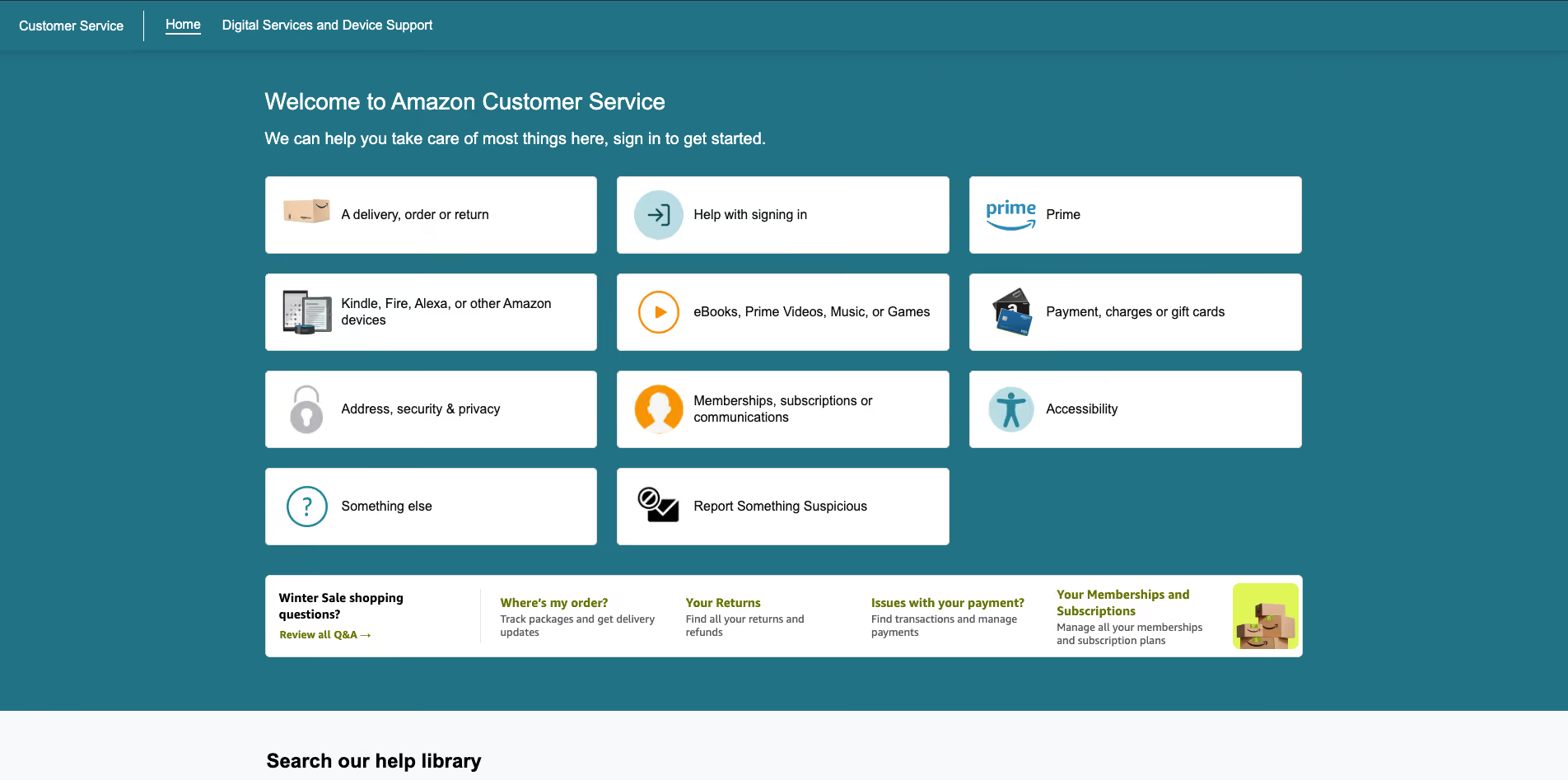
Amazon's help center lets customers track packages, initiate returns, request refunds, cancel subscriptions, and resolve most account issues without ever talking to a human. The portal is fast, intuitive, and designed for high-volume, self-directed problem-solving. It's a masterclass in reducing friction.
In-store kiosks and digital tools for pricing, inventory, and product information.
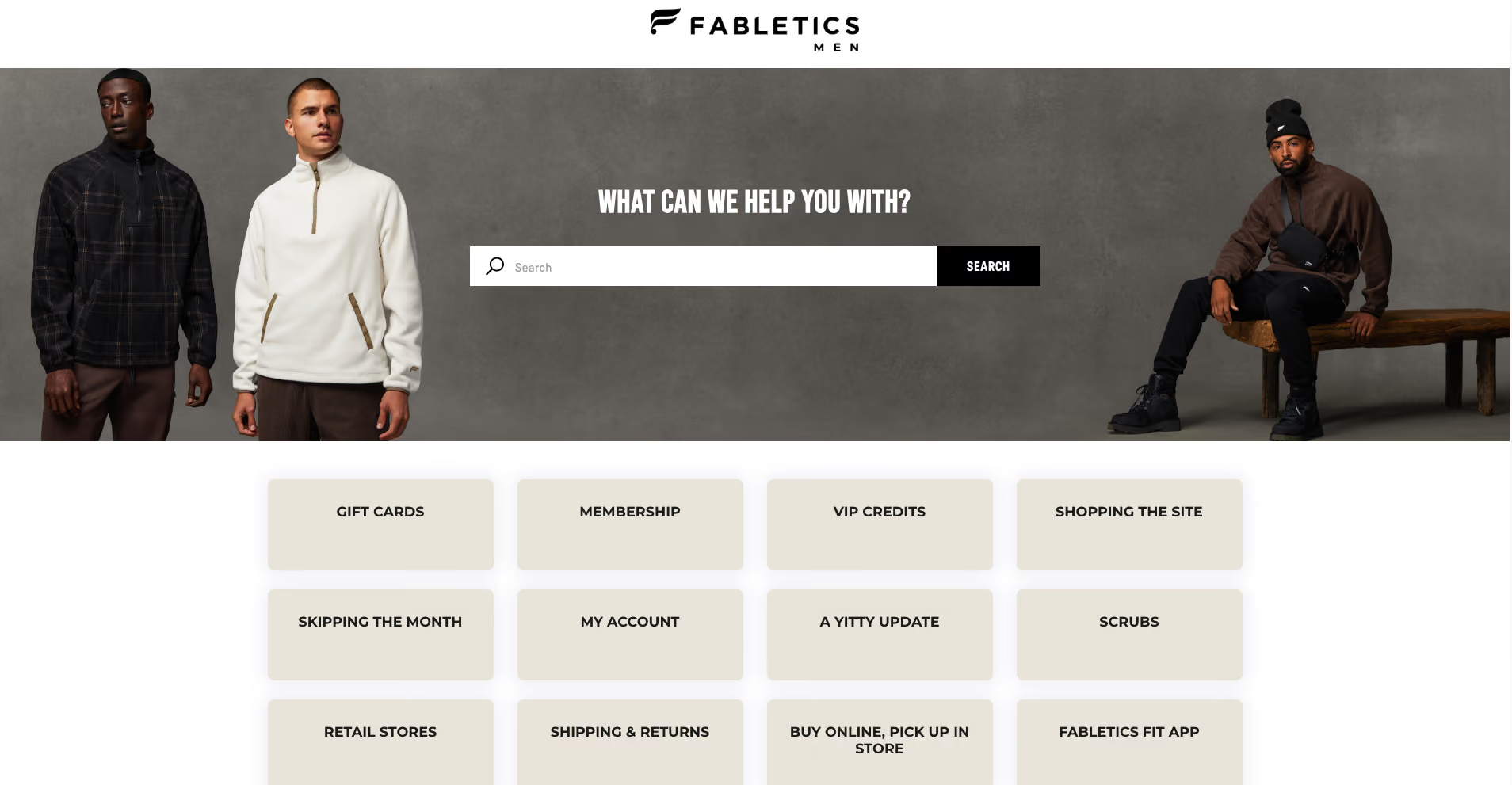
Fabletics uses in-store kiosks so customers can check prices, see real-time inventory, and get product details on their own, reducing reliance on staff and speeding up the shopping experience. It's customer self-service that bridges online and offline seamlessly.
Lockers and digital order-pickup flows, plus rich web self-service for DIY guides.
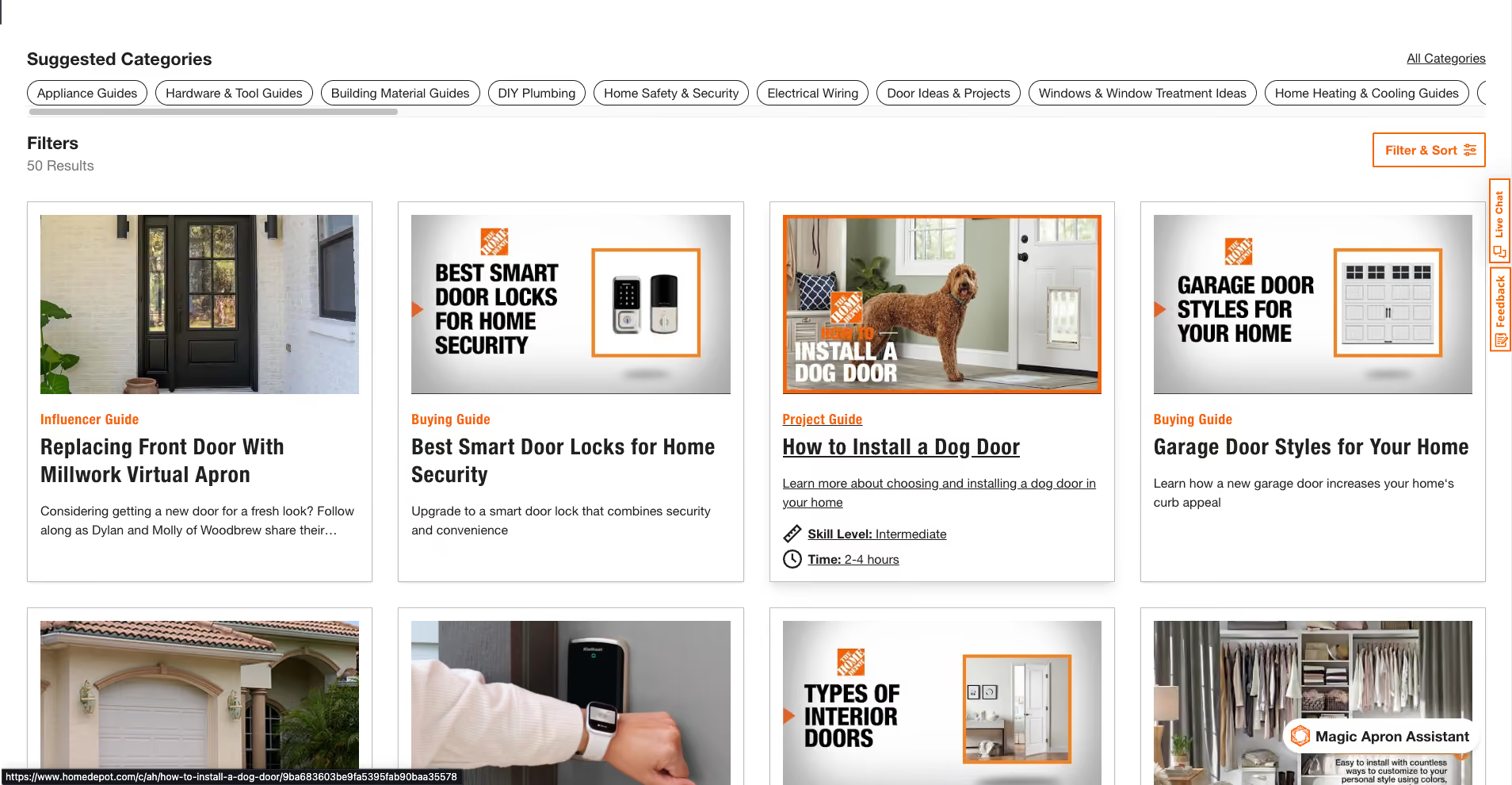
Home Depot offers digital order-pickup lockers where customers retrieve online orders via code, eliminating checkout lines. Their website also features extensive DIY guides, product comparisons, and troubleshooting content, turning the help center into a resource customers actively seek out.
Featuring Squarespace, Netflix, Spotify, and Slack.
Robust knowledge base, video tutorials, and community forum.
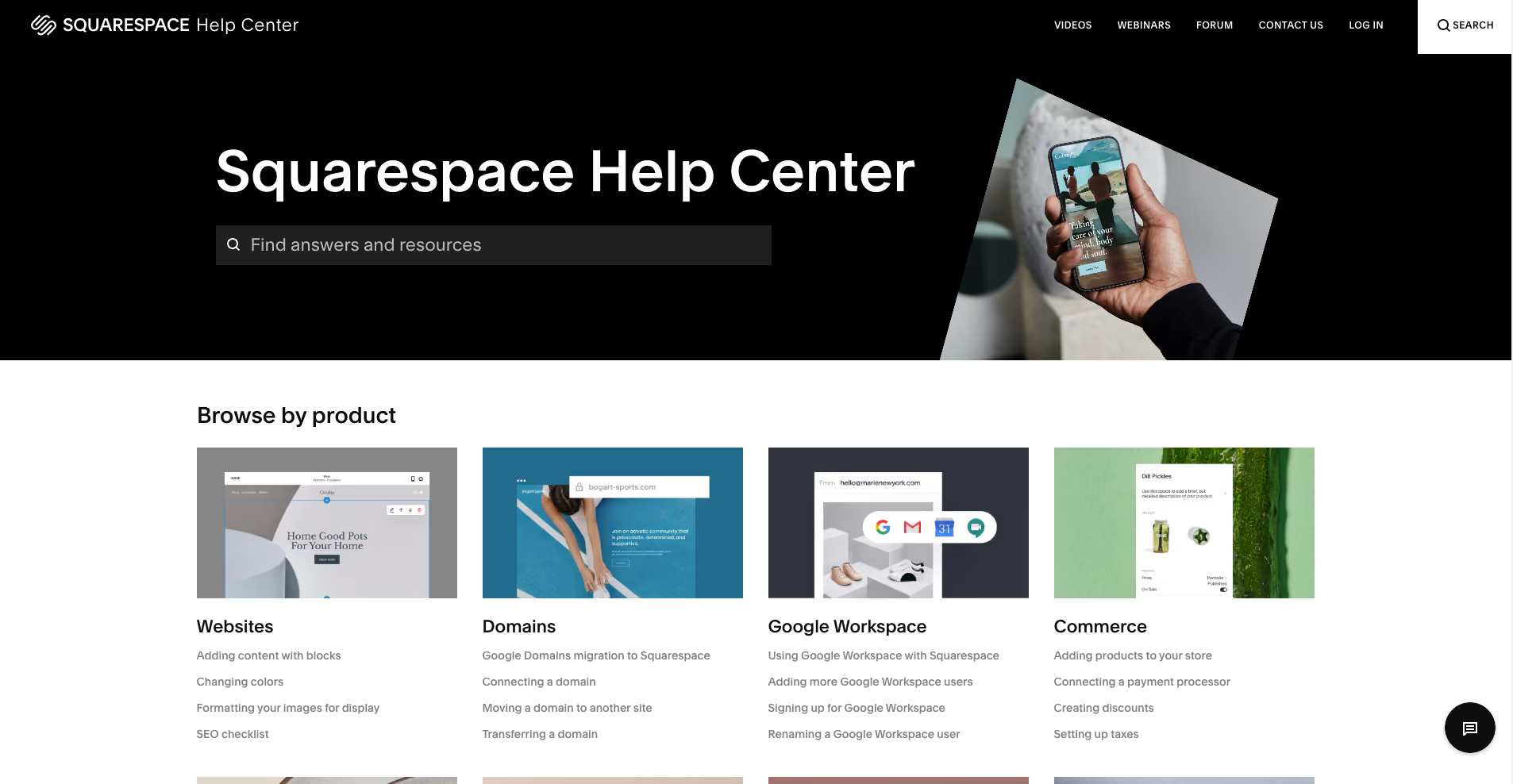
Squarespace's help center combines structured articles, step-by-step video tutorials, and an active community where users troubleshoot together. This multi-layered approach ensures customers can find help in whatever format suits their learning style.
Topic-based help center for streaming quality, device setup, and billing.
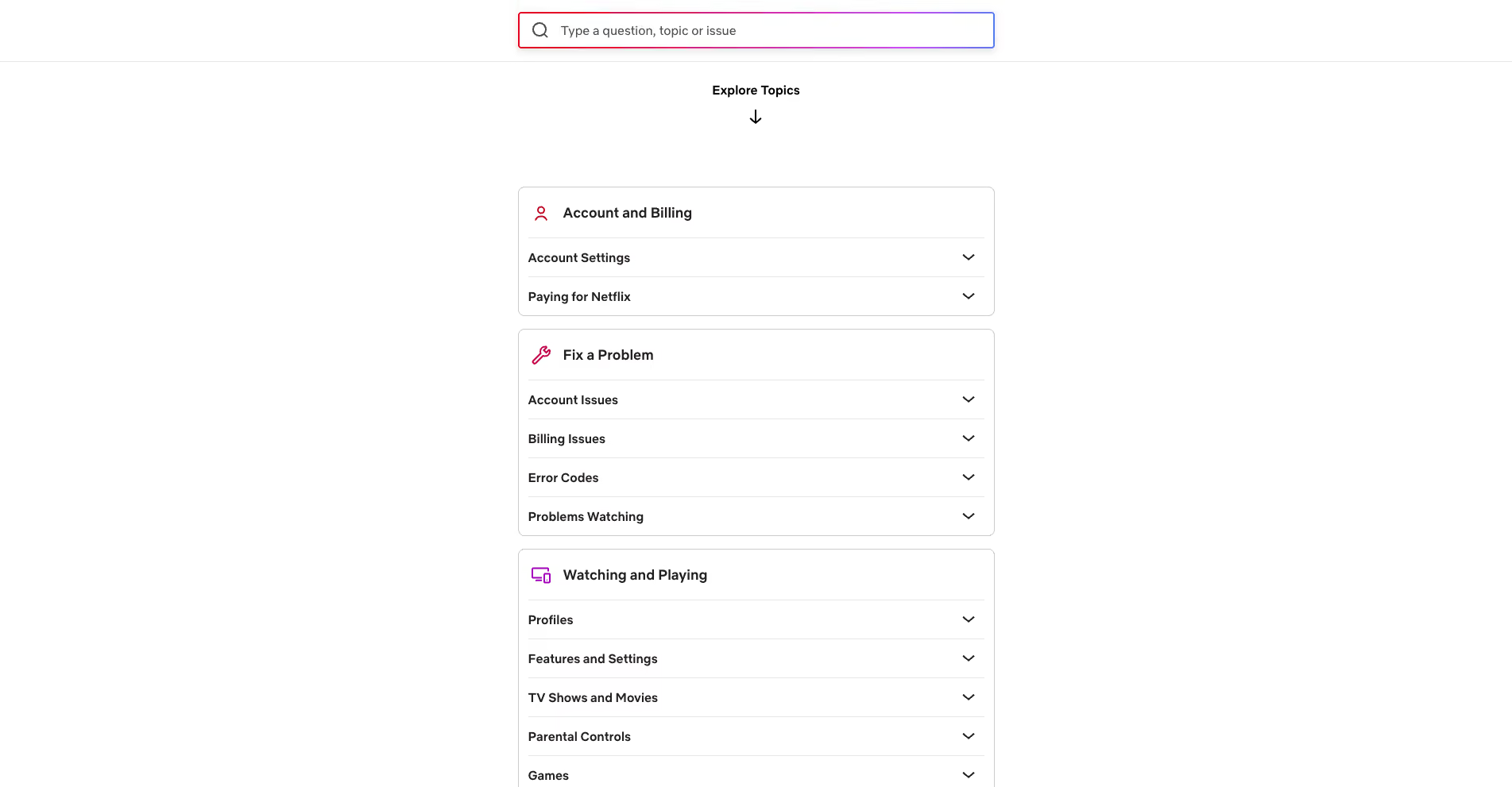
Netflix keeps it simple: a clean, topic-based help center where users can fix most streaming issues, manage devices, and update billing information themselves. The design is minimal, the content is concise, and the experience is frictionless.
Searchable support site plus community forums.
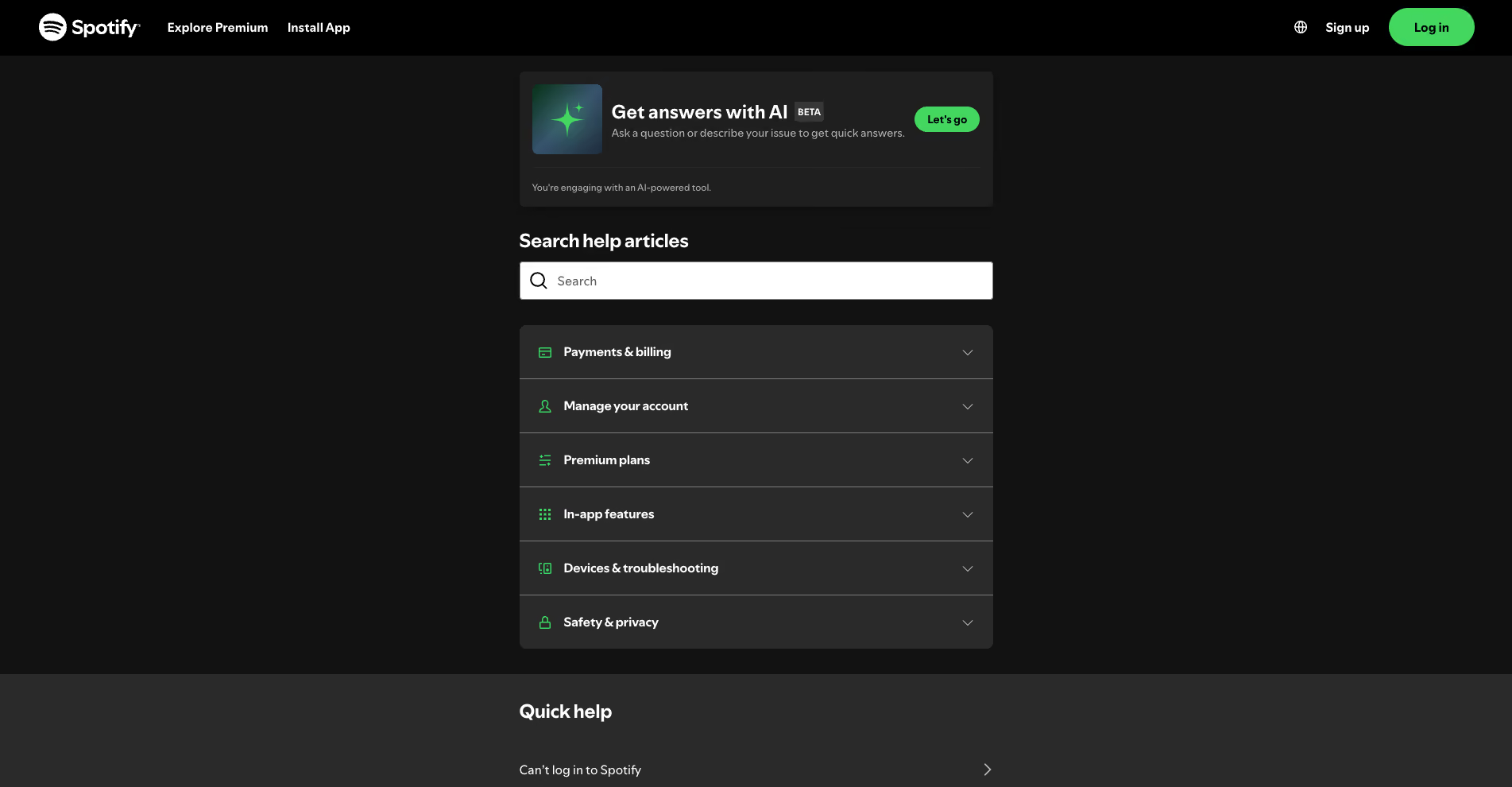
Spotify's support site handles common issues like playlist syncing and account troubleshooting, while community forums let power users surface tips and solutions that go beyond official documentation. It's a blend of structured content and organic, user-generated knowledge.
Deep documentation, getting-started guides, and well-structured "how-to" content.
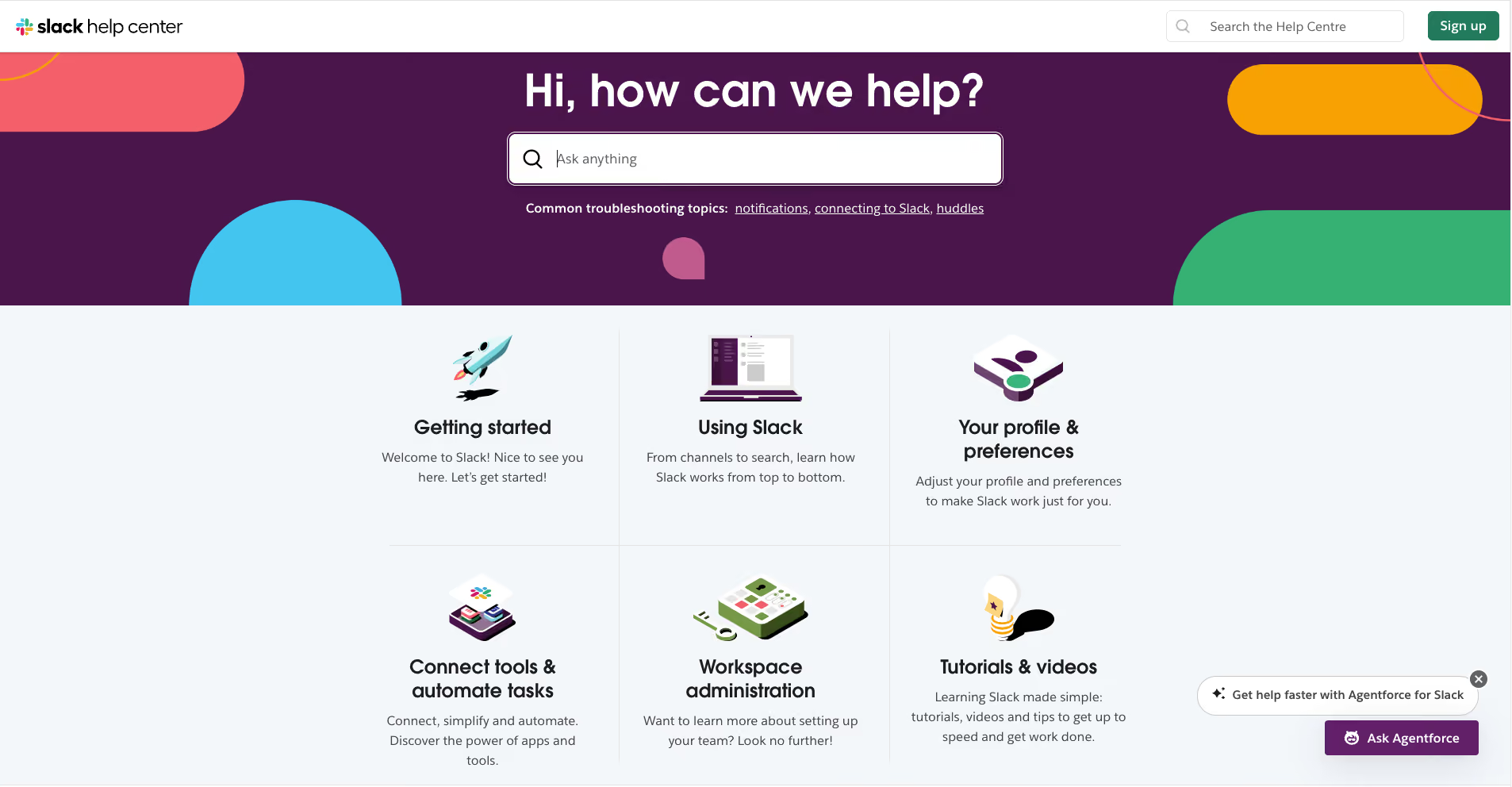
Slack's help center is a go-to resource for admins and users configuring workspaces, setting permissions, and integrating apps. The documentation is comprehensive, searchable, and updated regularly, making it easy to find answers without opening a support ticket.
Here we’ll showcase customer self-service at Hilton hotels, Uber, and Emirates airline.
Mobile app and digital experience for check-in/out, room selection, and digital keys.
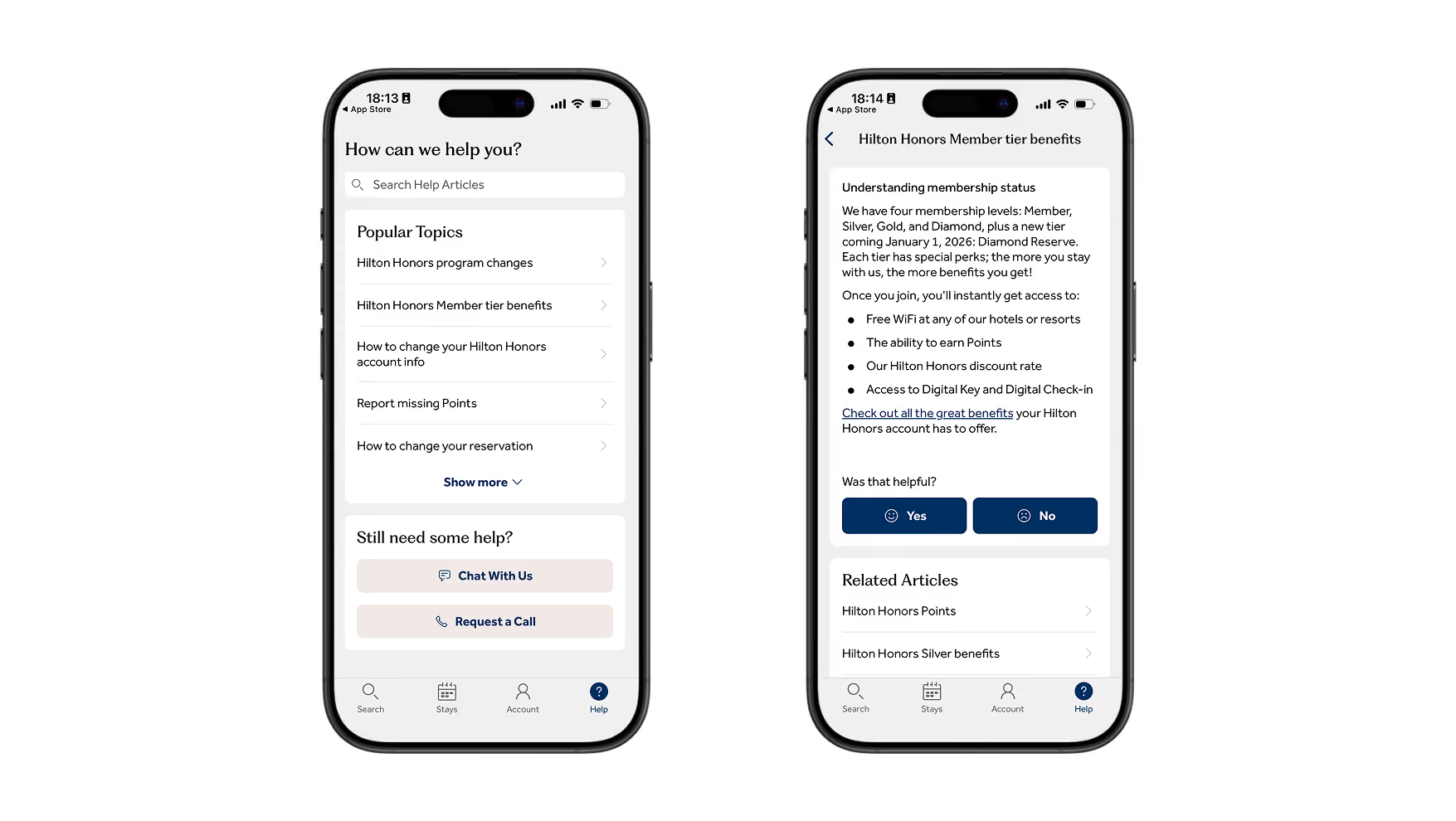
Hilton's app lets guests check in remotely, choose their room, use digital keys, and order services, turning traditional front-desk tasks into self-service flows. It's convenience that improves customer loyalty and reduces operational overhead.
In-app flows and a self-service help center for trip issues, billing, and lost items.
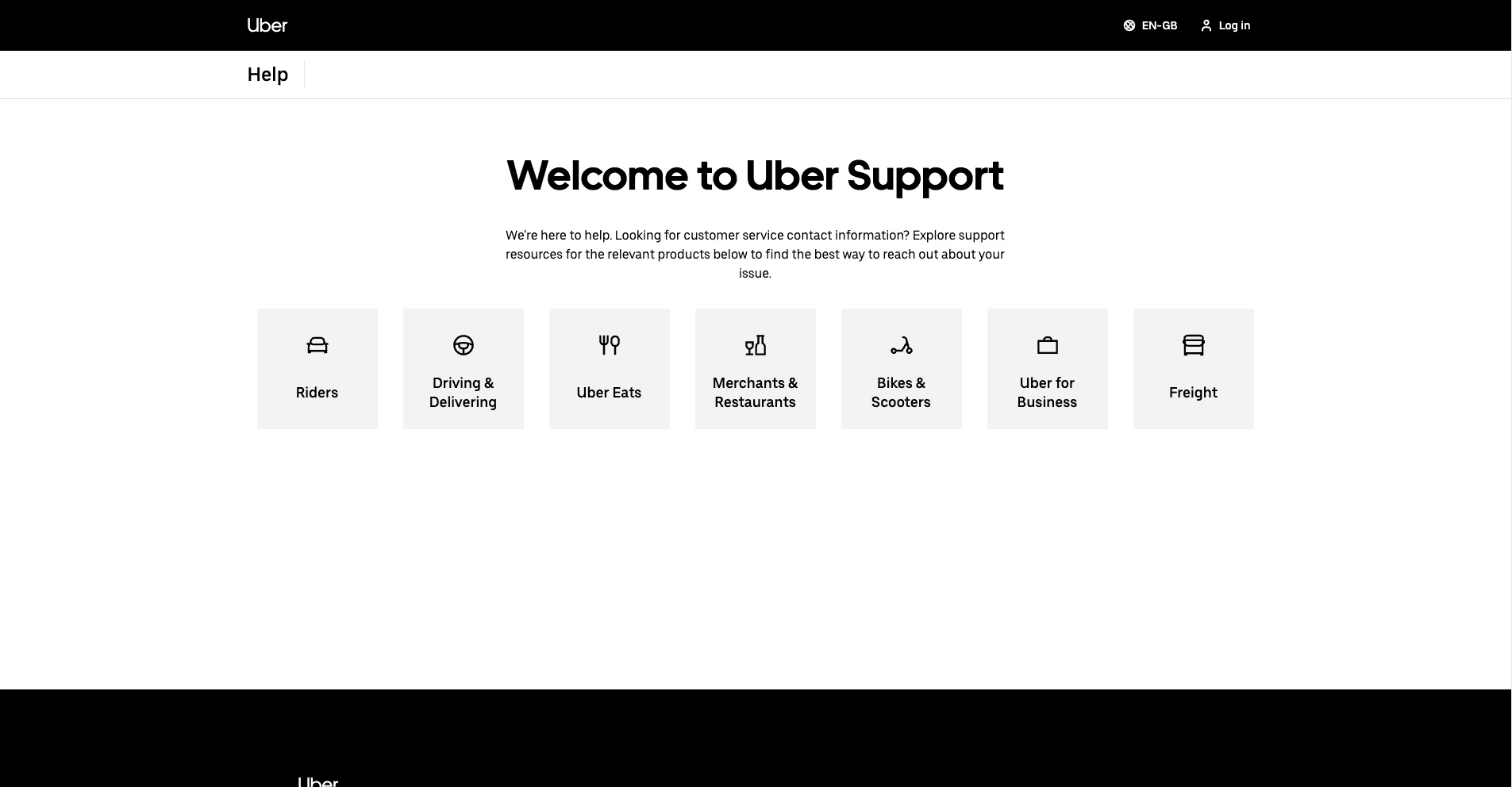
Uber's help center and in-app support let riders and drivers report trip problems, dispute charges, or recover lost items without contacting an agent directly. The flows are simple, mobile-first, and designed for speed.
Online booking, “Manage your booking,” and mobile app tools for end-to-end trip control.
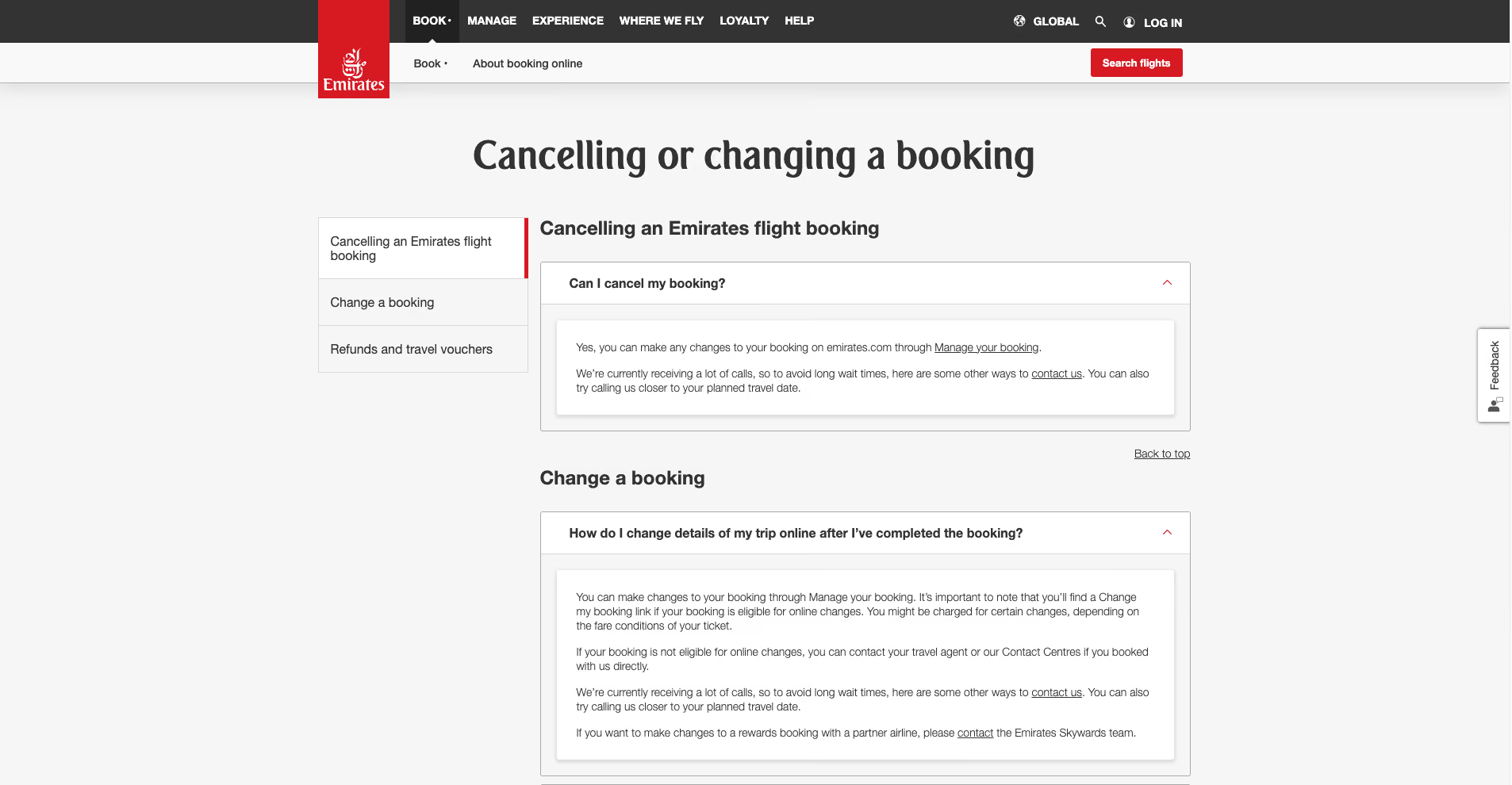
Emirates’ digital experience lets travelers search and book flights, manage their booking, choose seats and meals, add services, and check in online without calling support. Combined with airport self-service like kiosks and digital queuing, it turns many traditional counter interactions into streamlined customer self-service flows that save time for both customers and staff.
Here we’ll feature Lemonade with its chatbot Maya.
Insurance chatbot "Maya" for quoting, purchasing, and claims.
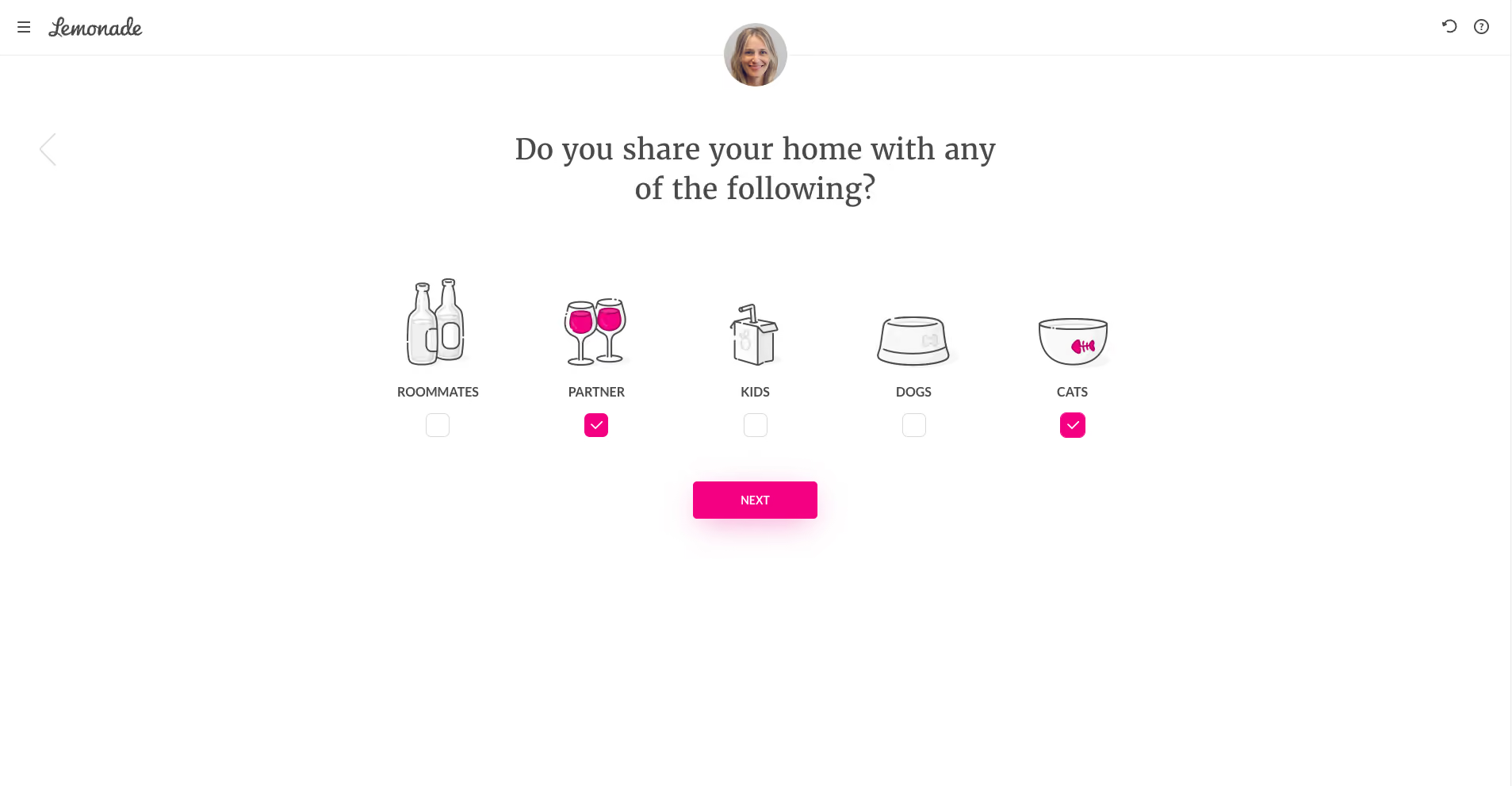
Lemonade's AI chatbot, Maya, guides customers through quoting, purchasing policies, and filing claims conversationally. For standard scenarios, the entire process happens without human interaction – drastically reducing processing time and operational costs while maintaining a friendly, approachable experience.
Some software companies don't just sell self-service tools; they use them brilliantly. Here are three platforms worth studying for inspiration.
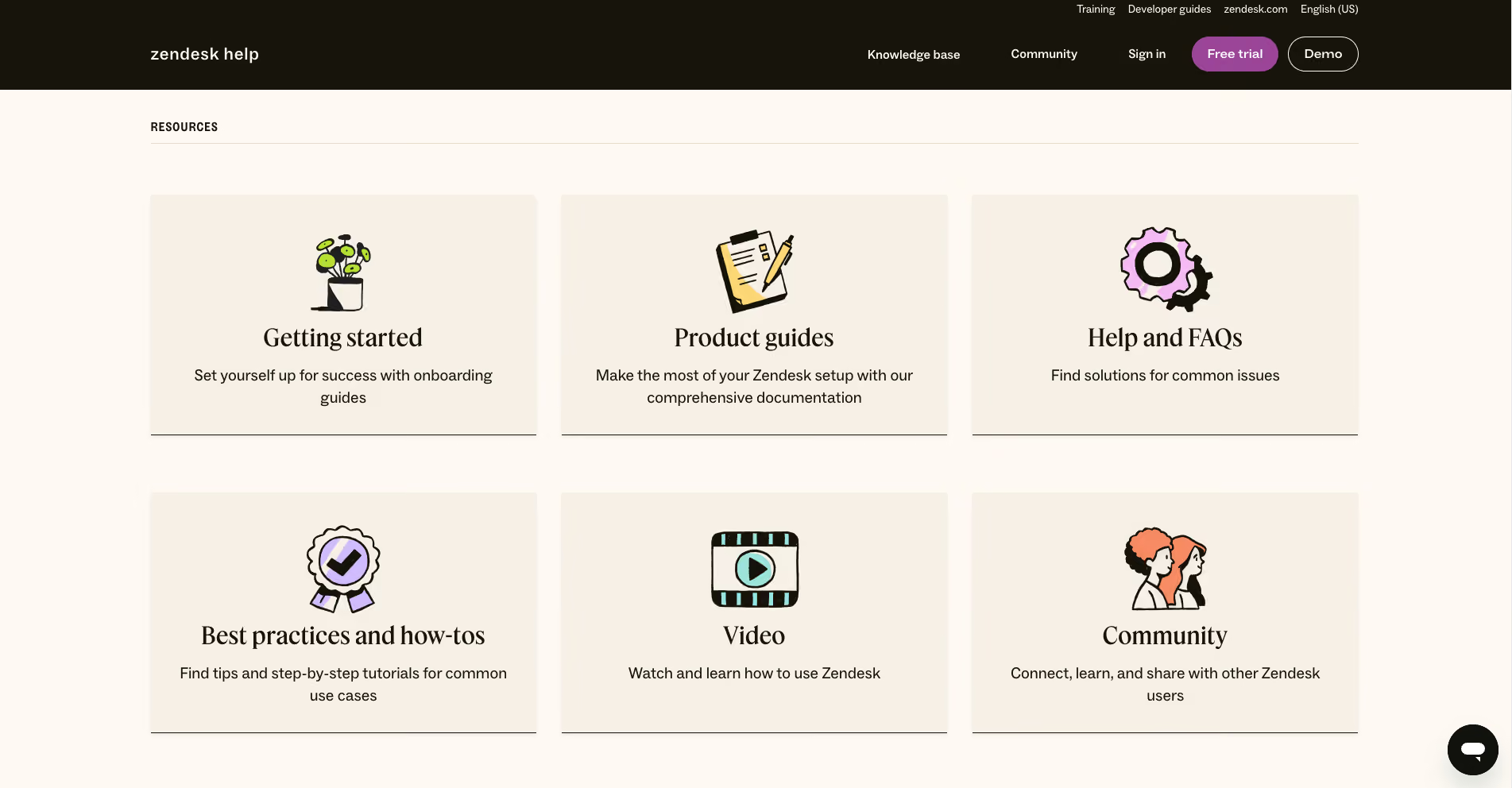
Zendesk – Their public help center and community showcase best-practice structure, search optimization, and multi-brand support. It's a live demo of what their platform can do. The same content now feeds an AI help desk, where AI agents answer customers directly from published articles and close routine questions before a ticket is created.
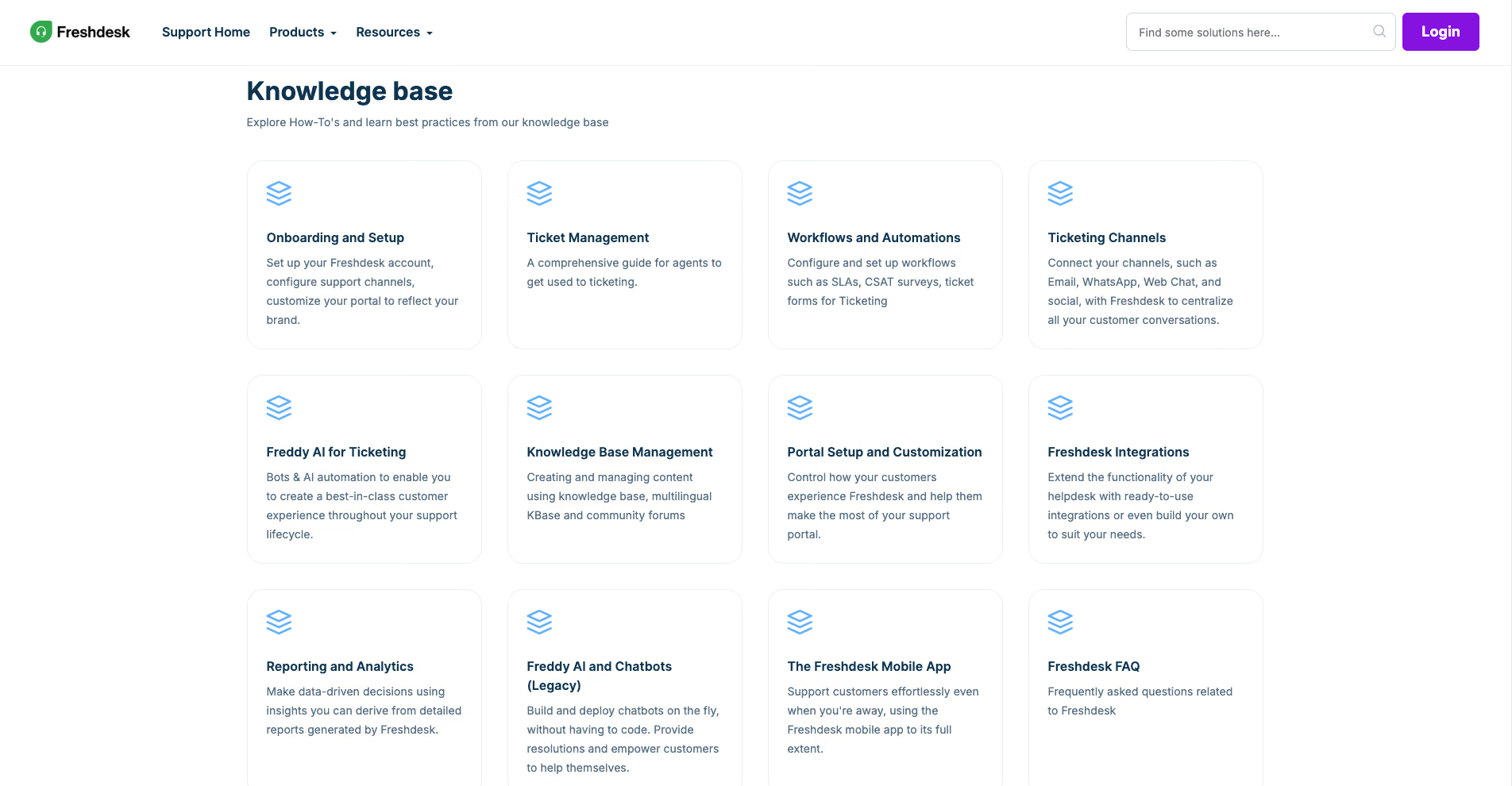
Freshdesk – Features a rich knowledge base, community forums, and Freddy AI chatbot working together to demonstrate how portal and automation complement each other.
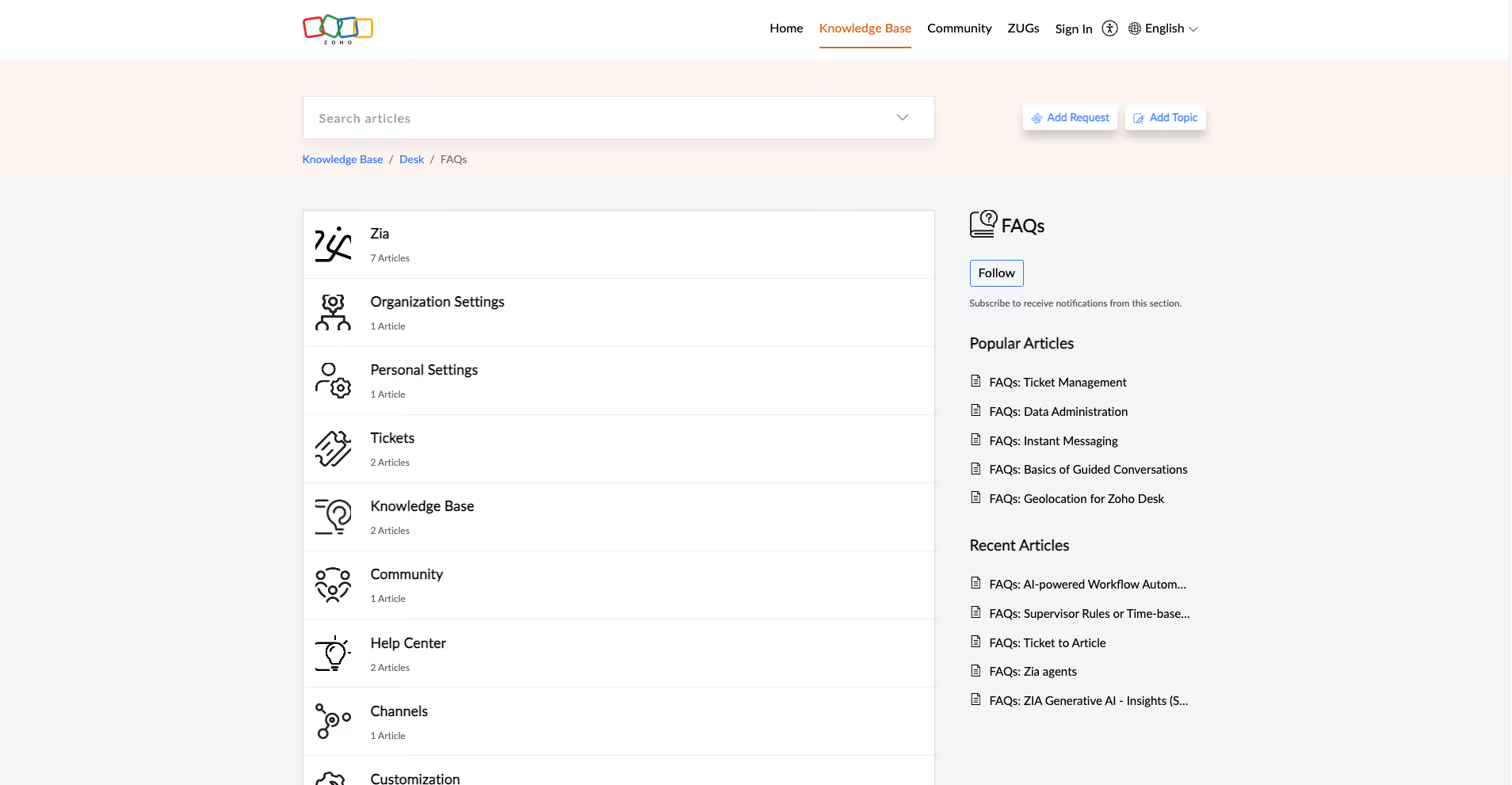
Zoho Desk – Offers multi-brand help centers, community features, and a knowledge base with built-in feedback and search optimization, showing how self-service scales across different customer segments.
You might like: Freshdesk vs Zendesk. Who wins?
Here’s how to turn self-service from a cost-cutting tool into a genuine customer experience advantage:
Pull your support team’s ticket data and identify the top 15-20 issues by volume. These become your self-service priorities, not what you assume customers want, but what they actually reach out about. Common patterns include account management tasks, billing questions, product how-tos, and status inquiries.
This analysis also surfaces candidates for automation versus human support. Transactions (reset my password, cancel my subscription) automate well. Judgment calls (I’m frustrated and considering leaving) need human empathy.
There’s no universal self-service stack. A B2B SaaS company with enterprise clients needs a different setup than a DTC retailer or a healthcare provider. Consider:
Most self-service content fails not because it’s inaccurate, but because customers can’t find it or can’t follow it. Use ticket language (the words customers use when describing problems) in your knowledge base titles and tags. Keep articles scannable: headers, numbered steps, and screenshots over dense paragraphs.
Review monthly: what articles generate the most views but still produce tickets? Those need rewriting or better placement.
Self-service usage is a vanity metric. Deflection — customers who found their answer without contacting support — is the real measure of effectiveness. Track it with session recordings, exit surveys, and search term analysis. Then use that data and customer service data analytics to identify where content is failing.
Self-service is not a wall between customers and support. When someone can’t find what they need, the path to a human should be obvious and fast. Buried contact options signal that you’re trying to avoid customers, which destroys trust faster than a long wait time.
The best self-service experiences make escalation feel like a natural continuation, not a defeat.
Strong customer self-service isn't a one-off FAQ project. It's a strategic layer that combines thoughtful design, the right software, and an ongoing partnership between your customer support team and product organization. The companies that win are the ones that treat self-service as infrastructure, not an afterthought.
The best self-service ecosystems evolve constantly. They use real-world data to identify gaps, refine content, and optimize experiences. They integrate feedback from customers and agents alike. And they recognize that self-service isn't about replacing human support; it's about making every interaction count.
If you're ready to build (or rebuild) your self-service strategy, you don't have to go it alone. Partnering with an expert support team, like EverHelp, can help you choose the right customer self-service software, set it up correctly, and continuously optimize it using data-driven insights and real-world examples. The result? Happier customers, more efficient agents, and measurable ROI that proves digital customer service tools are worth the investment.
Contact us to get a quote from global customer support experts!
Help someone else stay in the know. Hit that share button!




.webp)

.avif)